

Caspio Review: Pros, Cons, Features and Pricing
I see Caspio less as a plug-and-play EMR than a low-code platform for building tailored healthcare apps—here’s where that flexibility shines and what it may ask of your team.

We review tools independently, and commissions help fund our testing. See our transparency policy, our methodology, or suggest a tool.
Caspio is a low-code platform for building custom EMR software and healthcare apps, rather than a ready-made EMR. I’d consider it if your team needs patient or administrative workflows tailored to its processes; compared with a packaged system like Epic, Caspio gives you more control over how you build those workflows.
Caspio Evaluation Summary
4.5/5
- From $392/month
- 14-day free trial
Why Trust Our Software Recommendations
6,700+
Reviews
20
Industry experts
16+
Evaluation factors
14
Years
Our team has been testing and reviewing software since 2012. As medical practice leaders ourselves, we know how difficult—and important—it is to choose the right software.
For this guide, we evaluated tools using hands-on testing and independent research, scoring tools using our selection criteria.
Our reviews reflect our human editorial judgment, not a sales pitch.
Caspio Overview
I’d choose Caspio for healthcare teams that need customizable applications built around their specific clinical and administrative workflows. Its visual app builder allows you to create patient intake forms, secure patient portals, appointment scheduling systems, and compliance dashboards without extensive coding. I particularly appreciate its HIPAA-compliant infrastructure, unlimited app users, and support for REST APIs and webhooks, which provide flexibility for managing patient information and connecting third-party systems. Caspio also offers workflow automation, role-based access controls, and reporting tools, giving healthcare organizations greater control over how they collect, organize, and manage clinical data.
Pros
- HIPAA Edition includes audit logs, encryption, and role-based access controls.
- You can build patient portals, intake, scheduling, and reporting apps.
- Unlimited app users avoid per-user charges as patient access grows.
Cons
- HIPAA Edition starts at $800 monthly, before custom app development.
- Caspio sells a builder, not a ready-made clinical charting system.
- Reviewers report complex customization and polished interfaces can require coding.


How We Test & Score Tools
We’ve spent years building, refining, and improving our software testing and scoring system. The rubric is designed to capture the nuances of software selection and what makes a tool effective, focusing on critical aspects of the decision-making process.
Below, you can see exactly how our testing and scoring works across seven criteria. It allows us to provide an unbiased evaluation of the software based on core functionality, standout features, ease of use, onboarding, customer support, integrations, customer reviews, and value for money.
Core Functionality (25% of final scoring)
The starting point of our evaluation is always the core functionality of the tool. Does it have the basic features and functions that a user would expect to see? Are any of those core features locked to higher-tiered pricing plans? At its core, we expect a tool to stand up against the baseline capabilities of its competitors.
Standout Features (25% of final scoring)
Next, we evaluate uncommon standout features that go above and beyond the core functionality typically found in tools of its kind. A high score reflects specialized or unique features that make the product faster, more efficient, or offer additional value to the user.
We also evaluate how easy it is to integrate with other tools typically found in the tech stack to expand the functionality and utility of the software. Tools offering plentiful native integrations, 3rd party connections, and API access to build custom integrations score best.
Ease of Use (10% of final scoring)
We consider how quick and easy it is to execute the tasks defined in the core functionality using the tool. High scoring software is well designed, intuitive to use, offers mobile apps, provides templates, and makes relatively complex tasks seem simple.
Onboarding (10% of final scoring)
We know how important rapid team adoption is for a new platform, so we evaluate how easy it is to learn and use a tool with minimal training. We evaluate how quickly a team member can get set up and start using the tool with no experience. High scoring solutions indicate little or no support is required.
Customer Support (10% of final scoring)
We review how quick and easy it is to get unstuck and find help by phone, live chat, or knowledge base. Tools and companies that provide real-time support score best, while chatbots score worst.
Customer Reviews (10% of final scoring)
Beyond our own testing and evaluation, we consider the net promoter score from current and past customers. We review their likelihood, given the option, to choose the tool again for the core functionality. A high scoring software reflects a high net promoter score from current or past customers.
Value for Money (10% of final scoring)
Lastly, in consideration of all the other criteria, we review the average price of entry level plans against the core features and consider the value of the other evaluation criteria. Software that delivers more, for less, will score higher.
Core Features
Patient Record Management
Build a database app on Caspio’s SQL Server data core to store patient information and organize records around your workflows. Record-level permissions can limit who sees each patient’s data, but the clinical chart structure is yours to create.
Patient Intake Forms
Create embedded or standalone forms for registration, medical history, consent, or screening, with conditional questions and field validation. Submissions feed your Caspio database, helping staff collect required information before a visit.
Appointment Scheduling
Build a scheduling flow where patients can book and confirm appointments online. Your team can configure the booking process to match its appointment types and administrative steps.
Patient Portals
Create a branded portal where patients securely access and download their medical data, lab results, or reports. You can also include features such as secure messaging and prescription request forms.
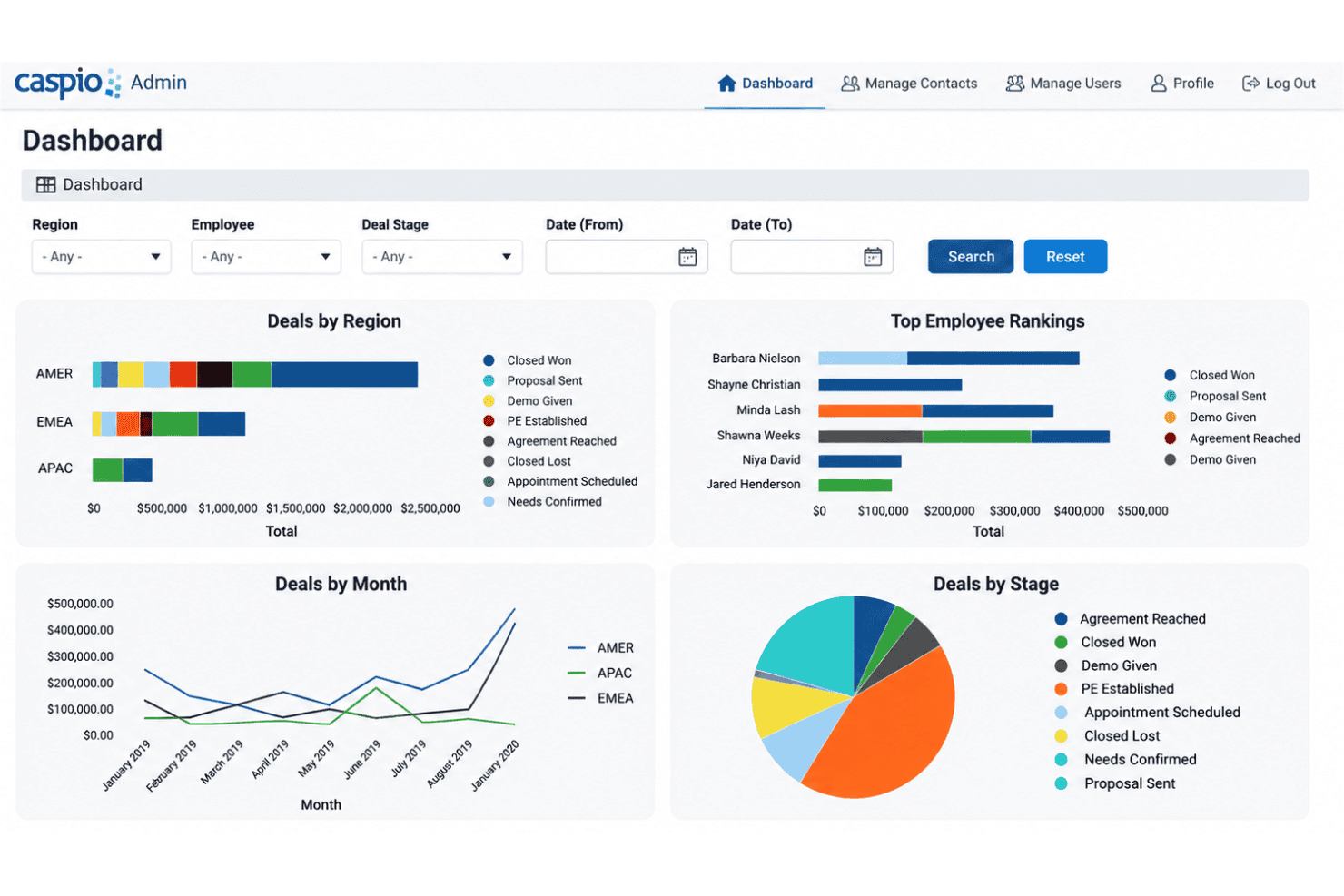
Reports And Dashboards
Build interactive reports and dashboards from patient data, quality metrics, or compliance information. Teams can tailor views to monitor the measures and records relevant to their work.
Patient Visit Management
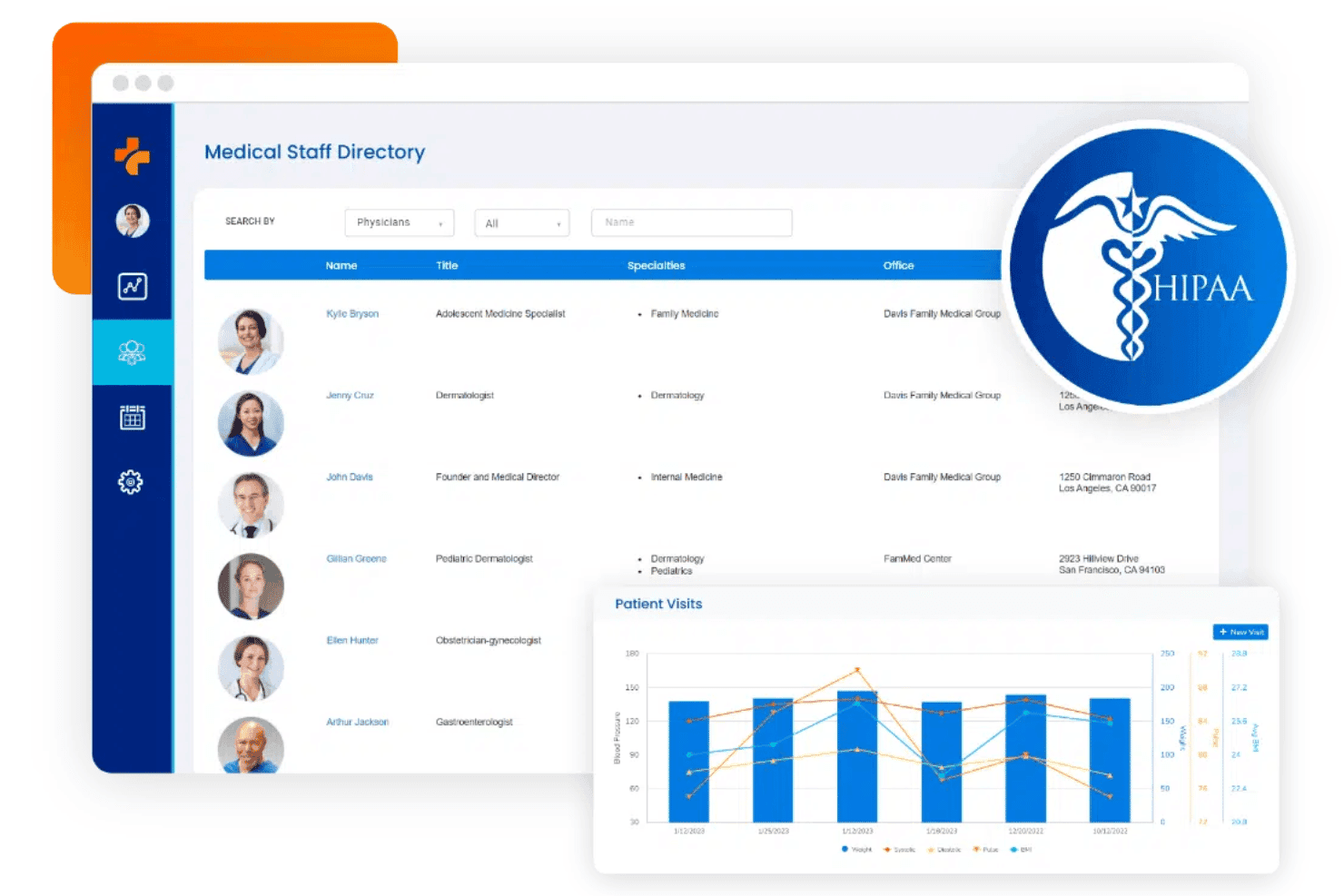
Caspio's Patient Portal template allows healthcare providers to log patient visits, review encounter histories, and track vital signs and blood pressure readings. Patients can also access their previous visits, while dashboards display visit counts over time.
Ease of Use
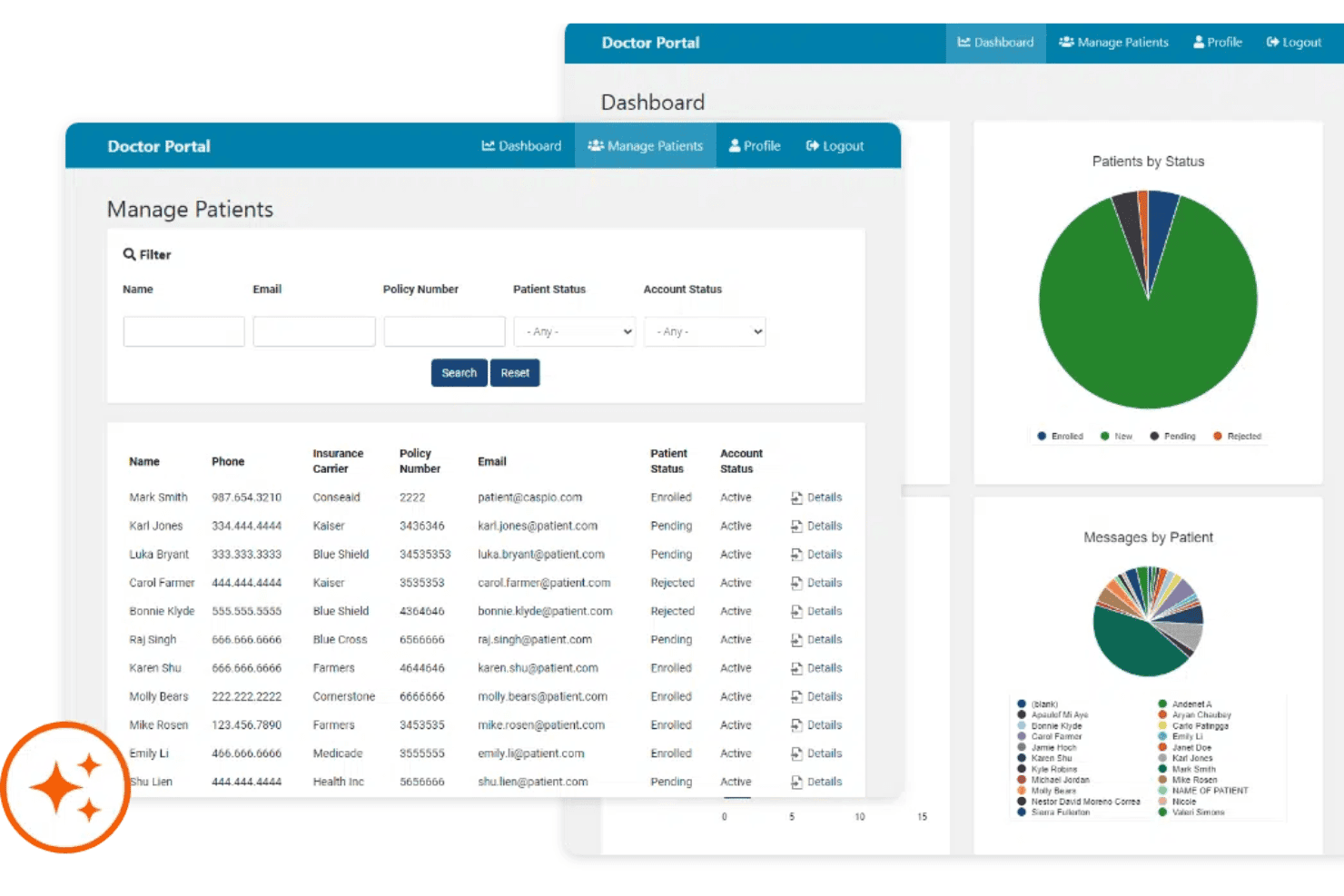
Caspio is fairly approachable for building custom healthcare apps, but it’s less ready to use than a packaged EMR. Its visual builder allows you to create intake forms, patient portals, and workflows without starting with code. However, there’s a learning curve, and creating polished interfaces or complex customizations may require CSS, JavaScript, or developer assistance. I’d recommend it for teams that have the technical resources to configure and maintain their own workflows.
Integrations
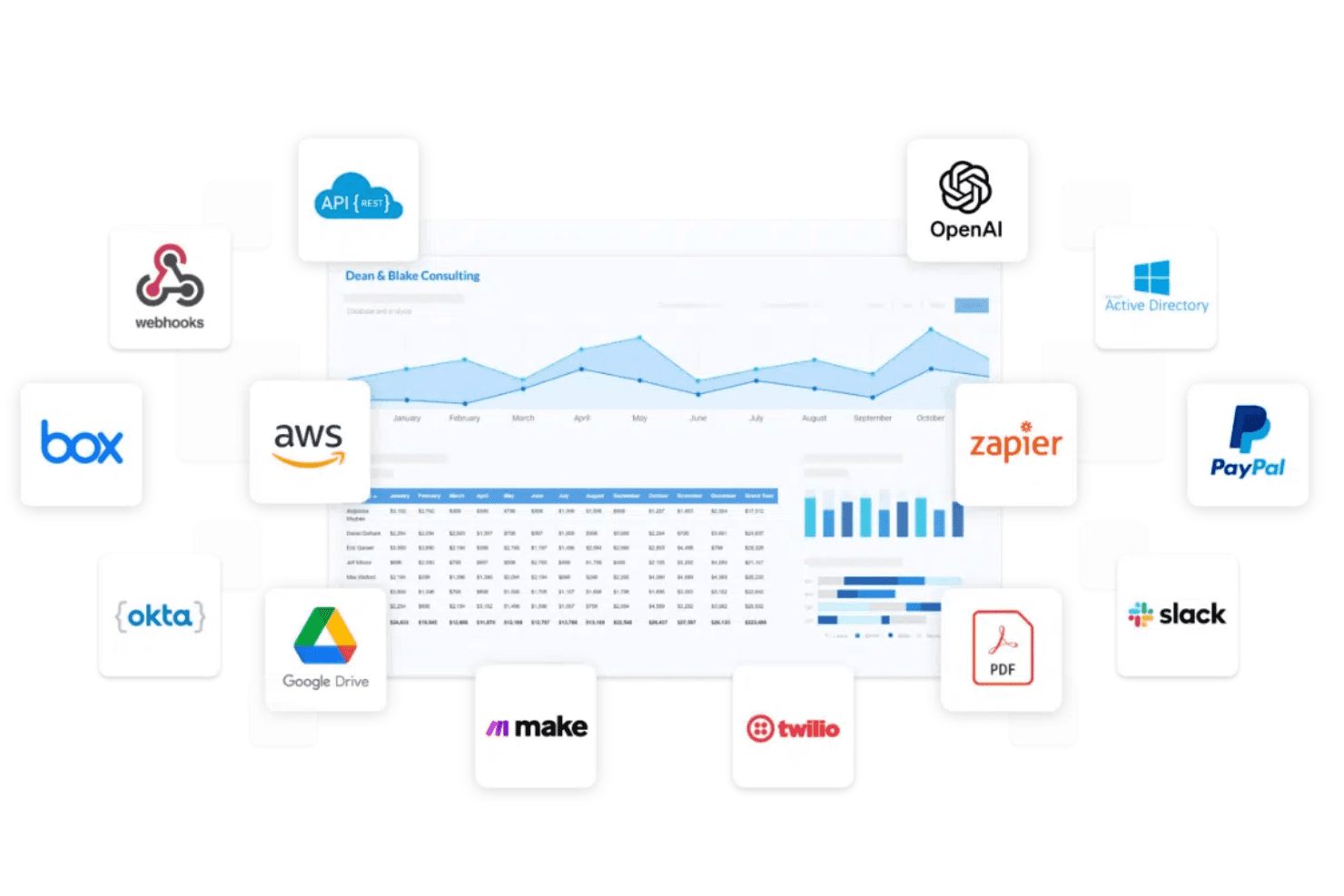
Caspio offers built-in email and SMS notifications, PayPal and Stripe payment processing, PDF generation, and scheduled data impoCaspio supports connections with Box, AWS, Okta, Google Drive, Make, Twilio, Slack, PayPal, Zapier, OpenAI, and Microsoft Active Directory. It also offers PDF generation, REST APIs, and webhooks for custom connections, alongside Stripe payment processing, email and SMS notifications, and scheduled data imports and exports.
Caspio Specs
- A/B Testing: No
- Access Management: No
- API: Yes
- Bug Tracking: No
- Cloud Deployment: Yes
- Code Transformation: No
- Collaboration Support: No
- Data Export: Yes
- Data Import: Yes
- Data Visualization: Yes
- Document Management: No
- External Integrations: Yes
- Form Builder: No
- History/Version Control: No
- Migration to Cloud: Yes
- Multi-User: Yes
- Notifications: Yes
- Process Modeling: No
- Re-Platforming: No
- Software Integration: Yes
- Status Notifications: No
- Template Designer: No
- Third-Party Plugins/Add-Ons: Yes
- Workflow Management: Yes