
CureMD Review: Pros, Cons, Features and Pricing
I look past CureMD’s feature list to weigh the real decision: whether its EMR tools, trade-offs, and pricing fit the way your practice works.

We review tools independently, and commissions help fund our testing. See our transparency policy, our methodology, or suggest a tool.
CureMD is cloud-based EMR software that combines clinical documentation, specialty-specific workflows, scheduling, patient engagement, and integrated billing and revenue cycle management. If you run a small or independent practice looking for one system for clinical and revenue-cycle work, CureMD is worth considering. Compared with Practice Fusion, I’d favor CureMD when specialty-tailored workflows and integrated billing are priorities, since its small-practice offering includes both.
CureMD Evaluation Summary
3.5/5
- Pricing upon request
- Free demo available
Why Trust Our Software Recommendations
6,700+
Reviews
20
Industry experts
16+
Evaluation factors
14
Years
Our team has been testing and reviewing software since 2012. As medical practice leaders ourselves, we know how difficult—and important—it is to choose the right software.
For this guide, we evaluated tools using hands-on testing and independent research, scoring tools using our selection criteria.
Our reviews reflect our human editorial judgment, not a sales pitch.
CureMD Overview
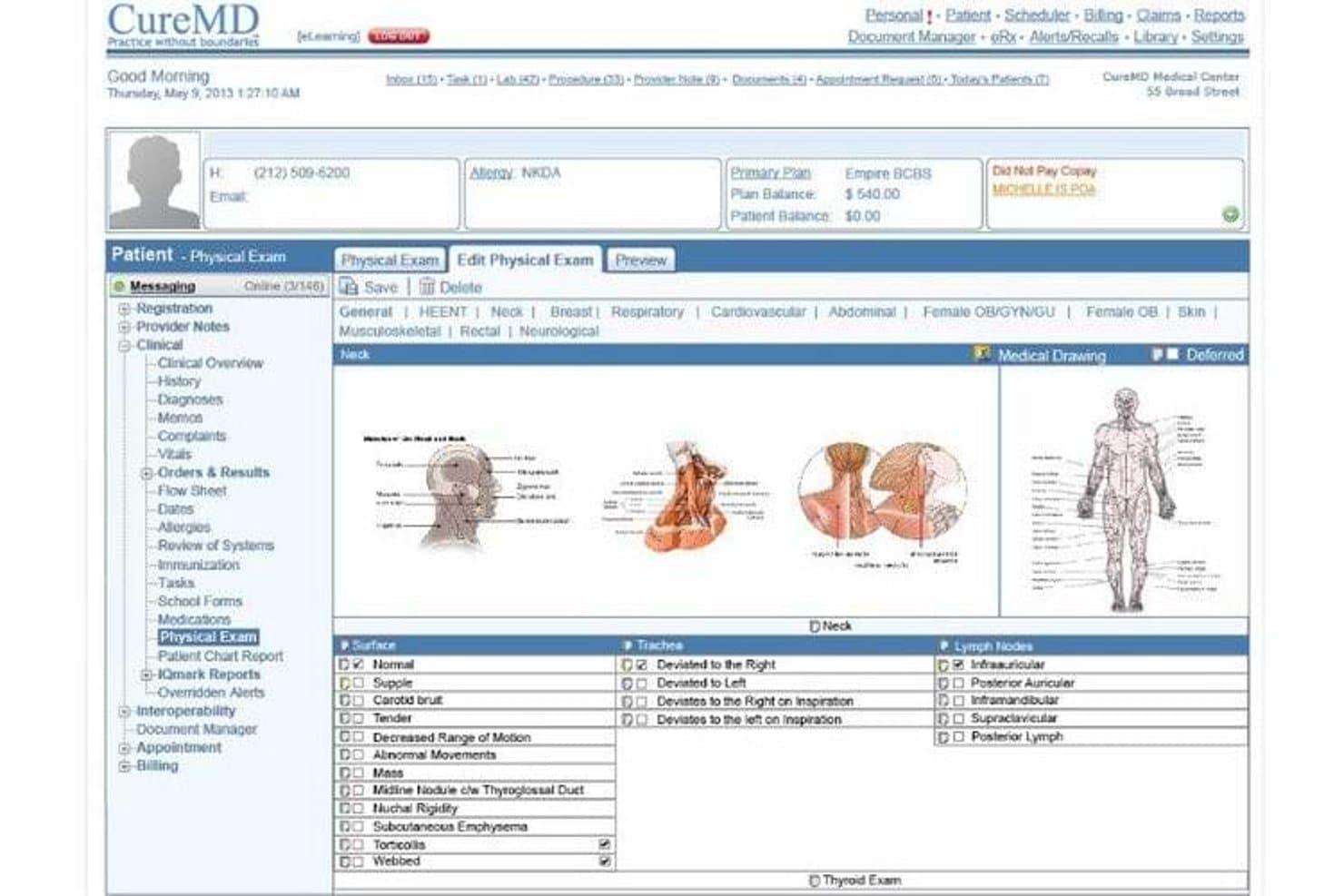
I’d choose CureMD for small and independent practices seeking specialty-specific clinical workflows, patient scheduling, and revenue cycle management within a cloud-based EMR. Its support for over 30 medical specialties, customizable charting templates, electronic prescribing, and claims management covers essential clinical and administrative tasks. I particularly appreciate its laboratory and pharmacy connections, mobile access, and patient engagement features, which extend its capabilities beyond basic medical charting.
CureMD also provides dedicated implementation specialists, personalized training, and ongoing support to guide teams through setup and adoption. Although pricing requires a custom quote, I’d recommend it for practices that want specialty-focused clinical documentation and billing capabilities in one platform.
Pros
- Specialty templates and coding workflows cover more than 30 disciplines.
- Clinical records, scheduling, and billing share one platform.
- Reviewers praise adaptable templates and responsive support.
Cons
- Reviewers report slow response times, glitches, and occasional crashes.
- Users describe claim-scrubbing problems and occasionally missing orders.
- Setup support varies, while pricing requires a custom quote.


How We Test & Score Tools
We’ve spent years building, refining, and improving our software testing and scoring system. The rubric is designed to capture the nuances of software selection and what makes a tool effective, focusing on critical aspects of the decision-making process.
Below, you can see exactly how our testing and scoring works across seven criteria. It allows us to provide an unbiased evaluation of the software based on core functionality, standout features, ease of use, onboarding, customer support, integrations, customer reviews, and value for money.
Core Functionality (25% of final scoring)
The starting point of our evaluation is always the core functionality of the tool. Does it have the basic features and functions that a user would expect to see? Are any of those core features locked to higher-tiered pricing plans? At its core, we expect a tool to stand up against the baseline capabilities of its competitors.
Standout Features (25% of final scoring)
Next, we evaluate uncommon standout features that go above and beyond the core functionality typically found in tools of its kind. A high score reflects specialized or unique features that make the product faster, more efficient, or offer additional value to the user.
We also evaluate how easy it is to integrate with other tools typically found in the tech stack to expand the functionality and utility of the software. Tools offering plentiful native integrations, 3rd party connections, and API access to build custom integrations score best.
Ease of Use (10% of final scoring)
We consider how quick and easy it is to execute the tasks defined in the core functionality using the tool. High scoring software is well designed, intuitive to use, offers mobile apps, provides templates, and makes relatively complex tasks seem simple.
Onboarding (10% of final scoring)
We know how important rapid team adoption is for a new platform, so we evaluate how easy it is to learn and use a tool with minimal training. We evaluate how quickly a team member can get set up and start using the tool with no experience. High scoring solutions indicate little or no support is required.
Customer Support (10% of final scoring)
We review how quick and easy it is to get unstuck and find help by phone, live chat, or knowledge base. Tools and companies that provide real-time support score best, while chatbots score worst.
Customer Reviews (10% of final scoring)
Beyond our own testing and evaluation, we consider the net promoter score from current and past customers. We review their likelihood, given the option, to choose the tool again for the core functionality. A high scoring software reflects a high net promoter score from current or past customers.
Value for Money (10% of final scoring)
Lastly, in consideration of all the other criteria, we review the average price of entry level plans against the core features and consider the value of the other evaluation criteria. Software that delivers more, for less, will score higher.
Core Features
Electronic Health Records (EHR)
CureMD stores patient demographics, medical histories, clinical notes, diagnoses, and treatment information in electronic records. Providers can review patient information, document encounters, and access clinical data throughout the care process.
E-Prescribing
CureMD supports electronic prescribing, including electronic prescribing of controlled substances (EPCS). Providers can create prescriptions within the clinical workflow rather than handling them separately from the patient record.
Clinical Documentation
CureMD provides customizable charting templates for recording patient encounters, diagnoses, treatment plans, and clinical findings. Specialty-specific documentation tools accommodate different medical workflows and clinical requirements.
Appointment Scheduling
CureMD supports scheduling across multiple providers and locations, along with automated reminders. Practices can manage appointment calendars in the same system as clinical records and billing.
Patient Portal And Online Intake
The patient portal supports appointment booking, check-in, secure messaging, and access to billing and online payments; patients can also complete intake files online. Those intake details can be added to the chart before a visit, giving the care team information to review.
Billing And Claims
CureMD connects clinical documentation with billing, scrubs claims against payer rules, and tracks eligibility, denials, remittances, and patient balances. For example, a practice can review a claim issue and patient balance in the billing workflow without switching to a separate billing platform.
Ease of Use
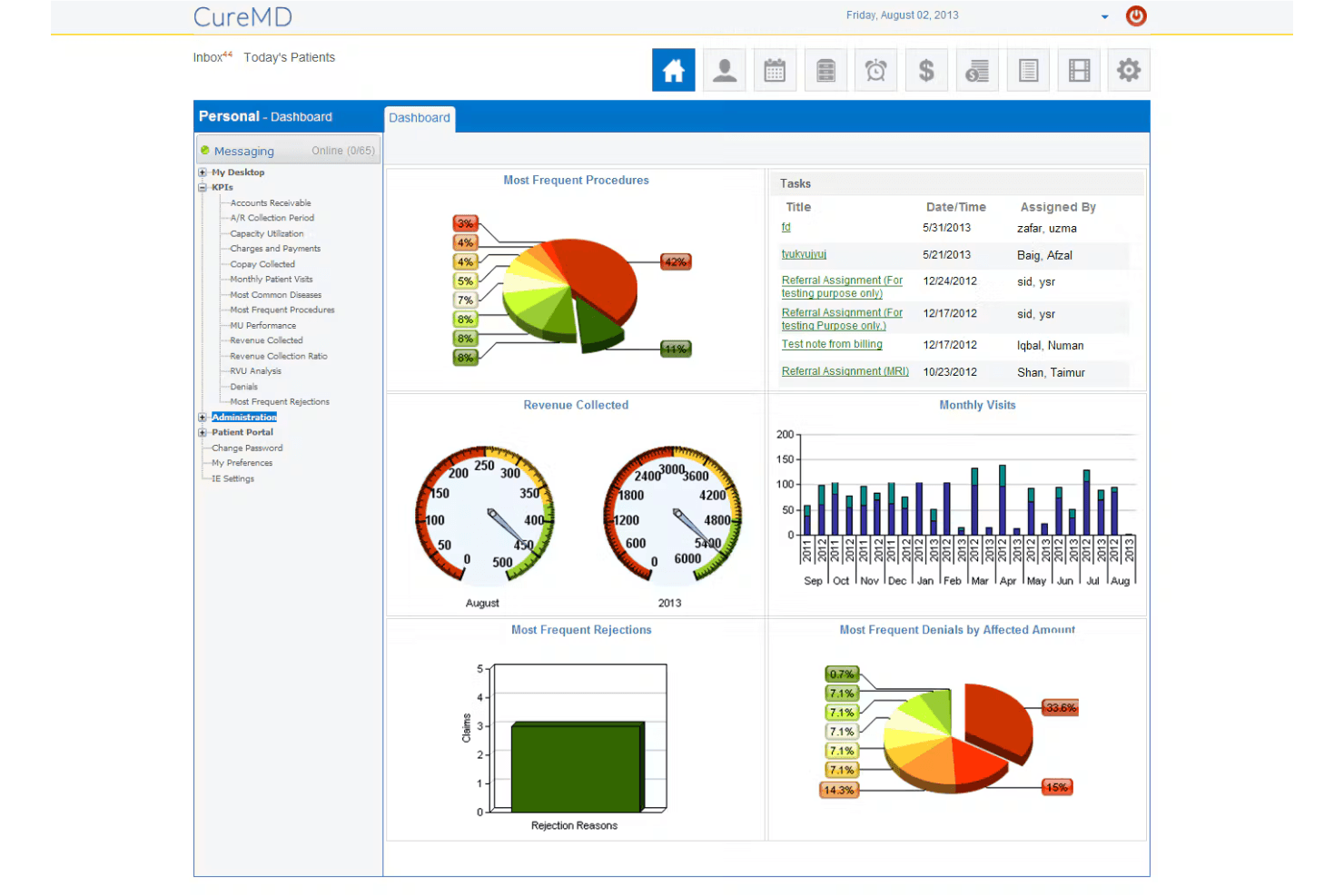
I find CureMD feature-rich but somewhat challenging to navigate, especially for teams transitioning from simpler EMRs. Its customizable clinical templates, organized patient records, scheduling, and billing tools cover several daily workflows within one platform. While some users appreciate its flexibility and straightforward patient management, others report slow performance, occasional glitches, complicated billing processes, and inconsistent training experiences.
I'd recommend testing your specialty's charting, scheduling, and billing workflows during a hands-on demo to determine whether the system fits your team's needs.
Integrations
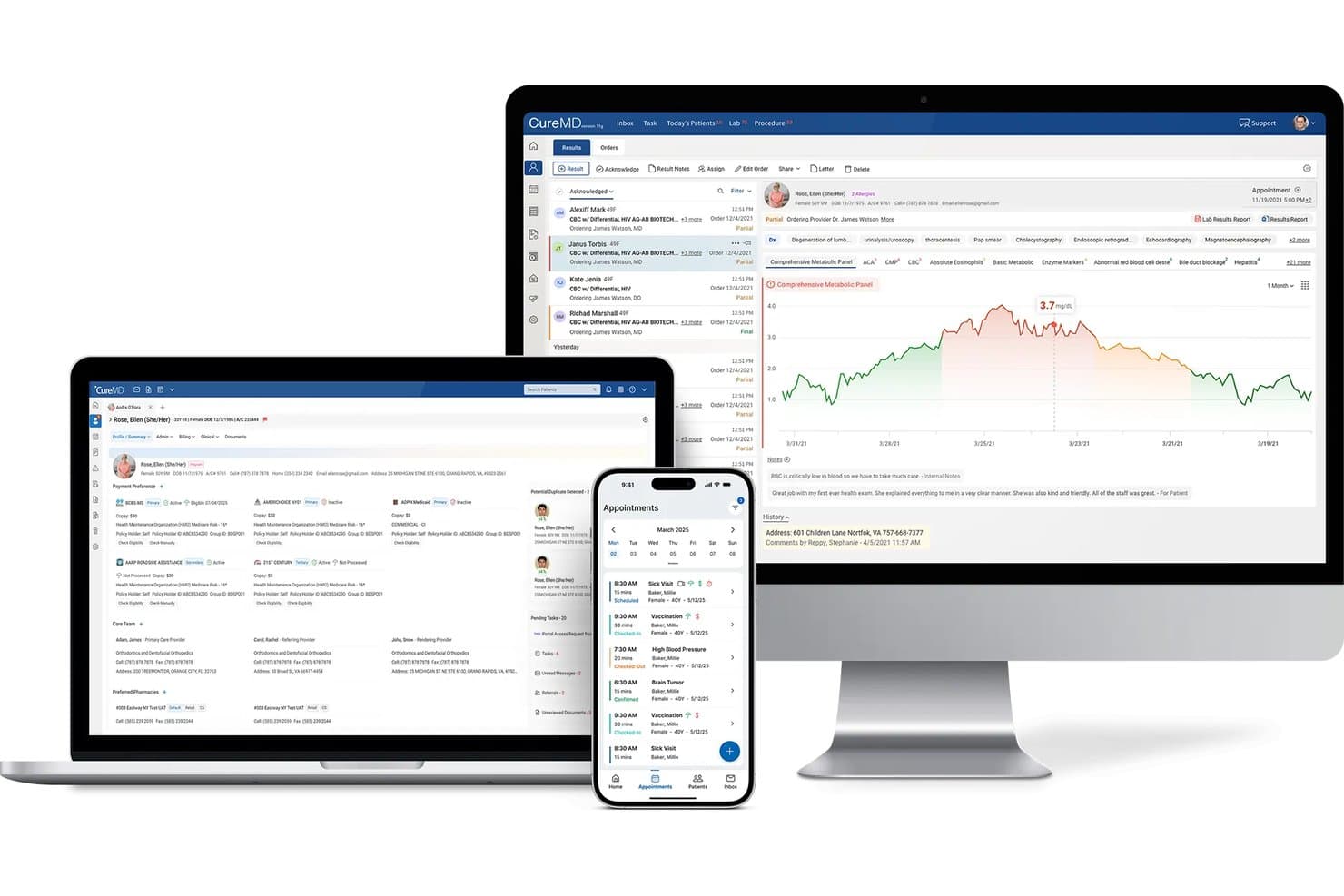
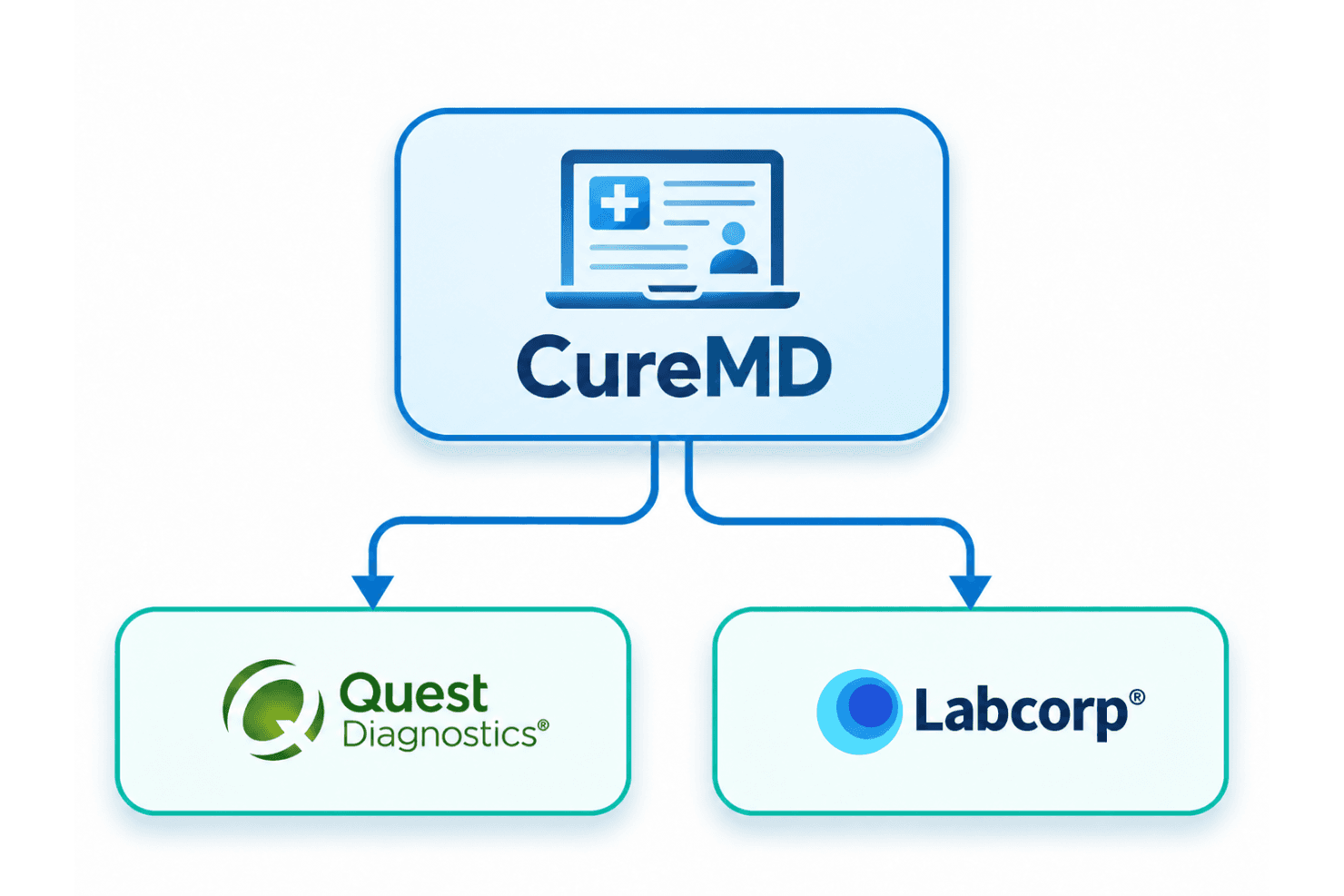
CureMD connects with Quest Diagnostics, Labcorp, regional laboratories, Surescripts-connected pharmacies, radiology and diagnostic systems, and public health registries. It also supports medical devices such as EKG/ECG equipment, spirometers, Holter monitors, and vital-sign monitors. For third-party data exchange and custom connections, CureMD offers FHIR R4 APIs and HL7 interfaces.
CureMD Specs
- API: Yes
- Appointment Scheduling: Yes
- Athlete Management: No
- Audit Management: Yes
- Calendar Management: Yes
- Compliance Tracking: Yes
- Customer Management: No
- Dashboard: Yes
- Data Export: Yes
- Data Import: Yes
- Data Visualization: Yes
- Electronic Prescribing: Yes
- External Integrations: Yes
- File Sharing: Yes
- File Transfer: Yes
- Health Management: Yes
- HIPAA Compliance: Yes
- Inventory Tracking: Yes
- Multi-User: Yes
- Notifications: Yes
- Organization Management: Yes
- Patient Management: Yes
- Project Management: No
- Regulatory Alerts: No
- Risk Assessment: No
- Scheduling: Yes
- Supplier Management: No


