
eClinicalWorks Review: Pros, Cons, Features and Pricing Explained
I dig into how eClinicalWorks tackles real-world workflow headaches, where it shines—and where it stumbles—so you can see if this EHR fits your 2026 practice needs.

We review tools independently, and commissions help fund our testing. See our transparency policy, our methodology, or suggest a tool.
eClinicalWorks is a free EHR software built for outpatient medical practices. It covers clinical documentation, appointment scheduling, telehealth, and billing management with no upfront software costs. I'd consider it over Practice Fusion if your team needs more clinical depth. Practice Fusion covers the basics, but eClinicalWorks supports specialty-specific workflows, population health tools, and higher patient volumes.
eClinicalWorks Evaluation Summary
3.4/5
- Pricing upon request
- Free demo available
Why Trust Our Software Recommendations
6,700+
Reviews
20
Industry experts
16+
Evaluation factors
14
Years
Our team has been testing and reviewing software since 2012. As medical practice leaders ourselves, we know how difficult—and important—it is to choose the right software.
For this guide, we evaluated tools using hands-on testing and independent research, scoring tools using our selection criteria.
Our reviews reflect our human editorial judgment, not a sales pitch.
eClinicalWorks Overview
When judging eClinicalWorks, I think you'll find its flexible templates, built-in telehealth, and strong patient engagement tools make it stand out for outpatient practices. The cloud-based platform keeps costs predictable, and its integration options cover most third-party systems you'll need. Onboarding can be a little bumpy, and the interface isn't the most modern, but support is generally responsive.
If you're selecting an EHR for a mid-sized independent practice or multi-location clinic that needs reliable charting, built-in patient communication, and adaptable workflows, eClinicalWorks deserves serious consideration.
Pros
- Offers built-in telehealth and patient engagement tools
- Customizable templates for specialty-specific workflows
- Robust reporting and population health analytics
Cons
- Occasional lag or slowness with large patient data sets
- Upgrades and updates can disrupt day-to-day workflows
- Navigation can be cumbersome when managing complex charts


How We Test & Score Tools
We’ve spent years building, refining, and improving our software testing and scoring system. The rubric is designed to capture the nuances of software selection and what makes a tool effective, focusing on critical aspects of the decision-making process.
Below, you can see exactly how our testing and scoring works across seven criteria. It allows us to provide an unbiased evaluation of the software based on core functionality, standout features, ease of use, onboarding, customer support, integrations, customer reviews, and value for money.
Core Functionality (25% of final scoring)
The starting point of our evaluation is always the core functionality of the tool. Does it have the basic features and functions that a user would expect to see? Are any of those core features locked to higher-tiered pricing plans? At its core, we expect a tool to stand up against the baseline capabilities of its competitors.
Standout Features (25% of final scoring)
Next, we evaluate uncommon standout features that go above and beyond the core functionality typically found in tools of its kind. A high score reflects specialized or unique features that make the product faster, more efficient, or offer additional value to the user.
We also evaluate how easy it is to integrate with other tools typically found in the tech stack to expand the functionality and utility of the software. Tools offering plentiful native integrations, 3rd party connections, and API access to build custom integrations score best.
Ease of Use (10% of final scoring)
We consider how quick and easy it is to execute the tasks defined in the core functionality using the tool. High scoring software is well designed, intuitive to use, offers mobile apps, provides templates, and makes relatively complex tasks seem simple.
Onboarding (10% of final scoring)
We know how important rapid team adoption is for a new platform, so we evaluate how easy it is to learn and use a tool with minimal training. We evaluate how quickly a team member can get set up and start using the tool with no experience. High scoring solutions indicate little or no support is required.
Customer Support (10% of final scoring)
We review how quick and easy it is to get unstuck and find help by phone, live chat, or knowledge base. Tools and companies that provide real-time support score best, while chatbots score worst.
Customer Reviews (10% of final scoring)
Beyond our own testing and evaluation, we consider the net promoter score from current and past customers. We review their likelihood, given the option, to choose the tool again for the core functionality. A high scoring software reflects a high net promoter score from current or past customers.
Value for Money (10% of final scoring)
Lastly, in consideration of all the other criteria, we review the average price of entry level plans against the core features and consider the value of the other evaluation criteria. Software that delivers more, for less, will score higher.
Core Features
Progress Notes and Charting
Document patient encounters quickly with customizable templates and structured fields. Clinicians can tailor notes to their specialty and reduce charting time.
Electronic Prescribing (eRx)
Send prescriptions electronically to pharmacies and manage refill requests easily. The system checks for drug interactions and allergies automatically.
Patient Portal
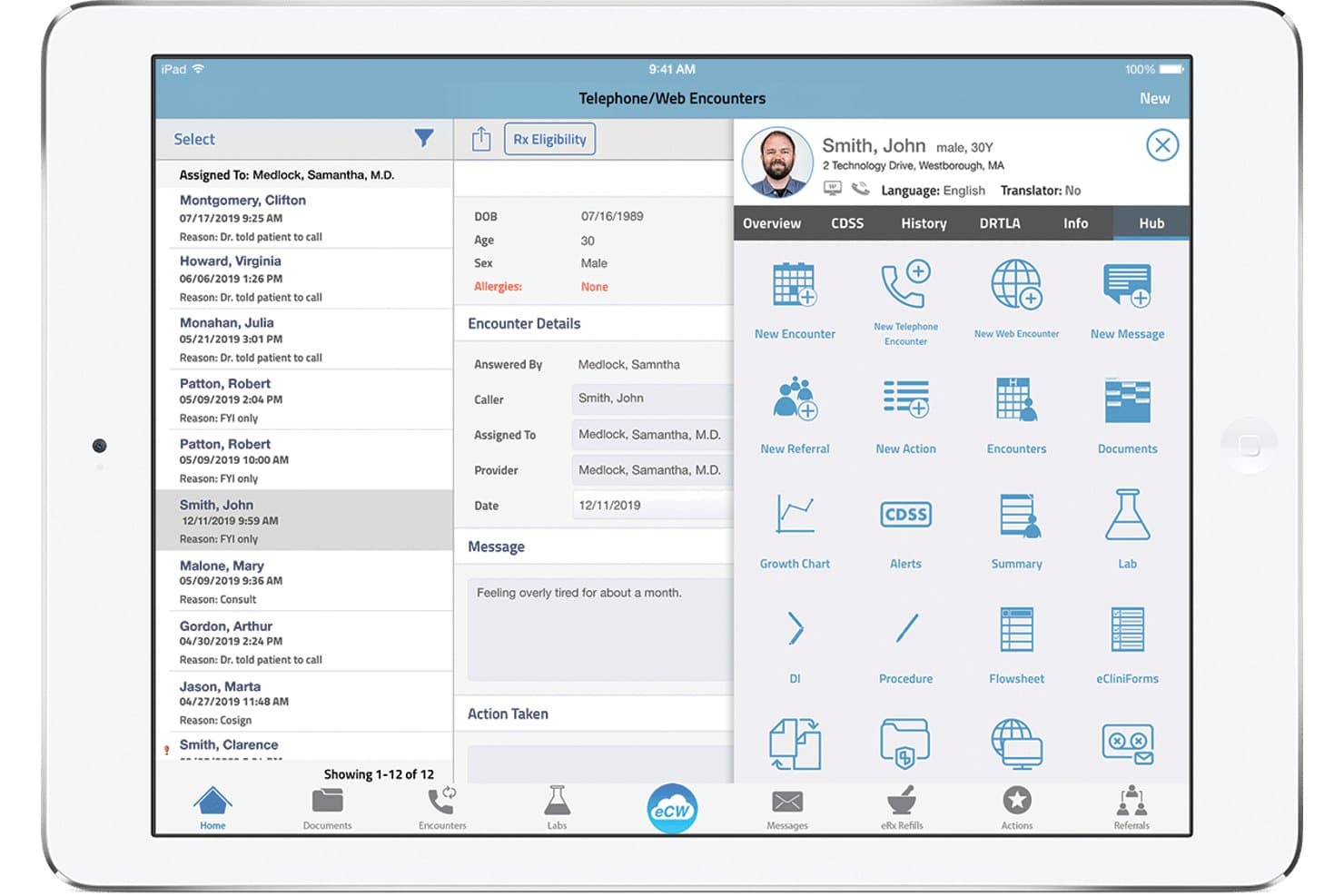
Allow patients to view lab results, request appointments, and message their care team online. This self-service feature boosts patient engagement and reduces call volume.
Telehealth Visits
Host secure virtual visits within the platform, with screen sharing and document upload for patients. Practices can expand access to care and maintain digital records in one place.
Population Health Management
Identify at-risk patients using built-in analytics and automate care gap outreach. This helps practices meet quality metrics and improve patient outcomes.
Revenue Cycle Management
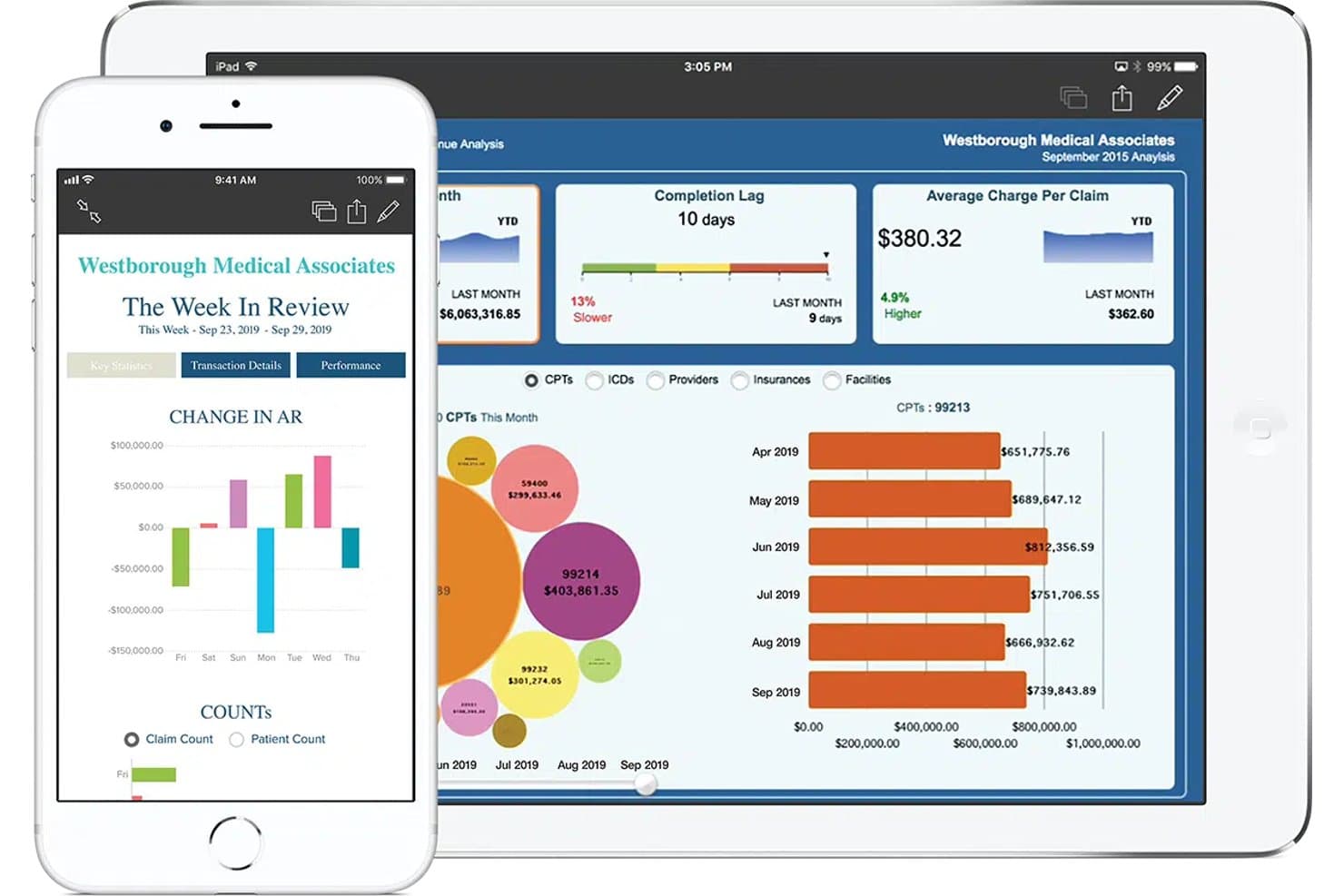
Manage coding, claims submission, and billing from within the same system. Real-time dashboards let practices track denials and accelerate reimbursement.
Ease of Use
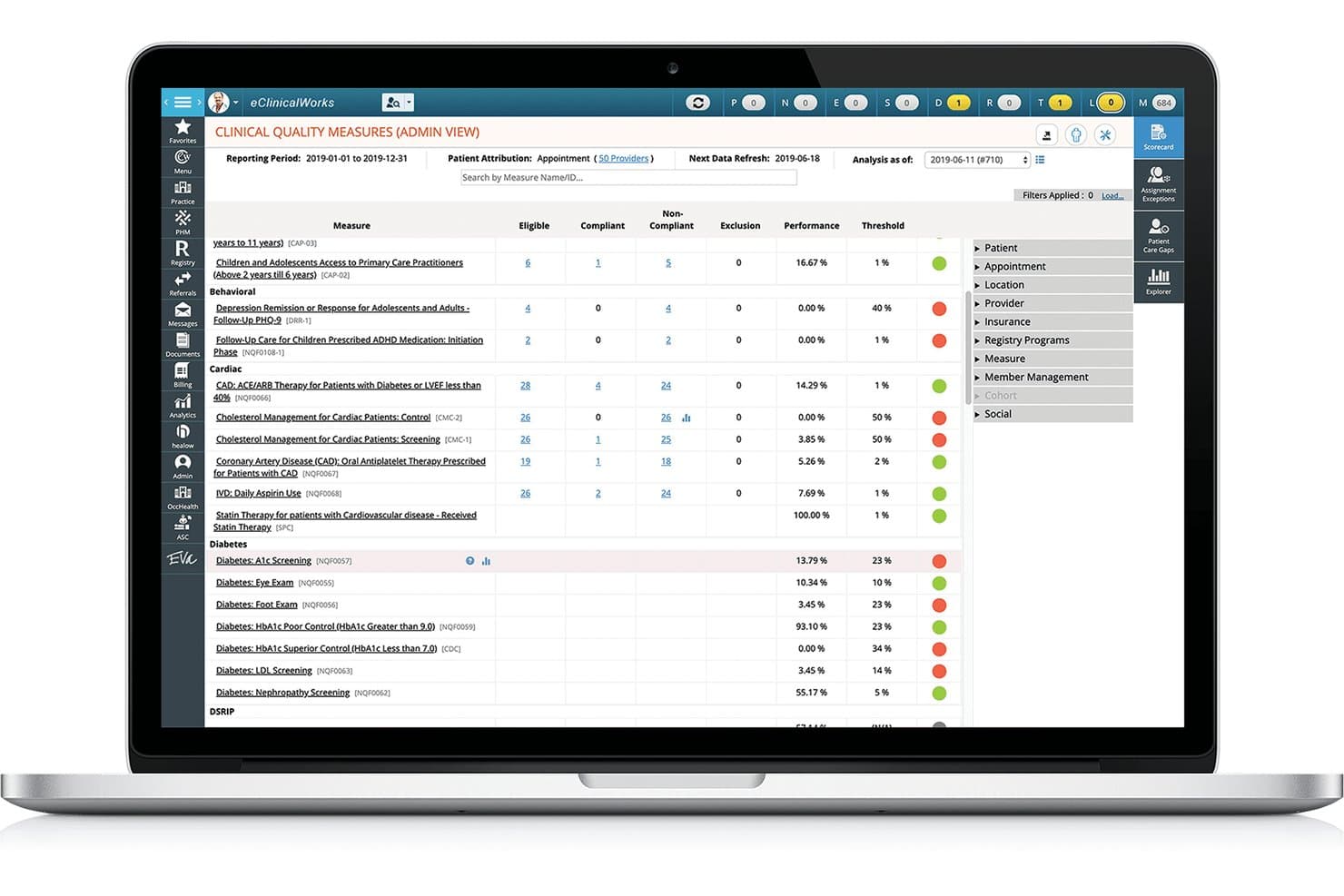
eClinicalWorks packs a wide set of features, but the interface can feel cluttered and navigation sometimes requires extra clicks, especially for complex charts. I think you’ll appreciate the customizable templates and shortcuts that help speed up repetitive tasks, but some users report a steeper initial learning curve. Over time, ongoing updates and feature expansions have made daily tasks smoother, yet new users may still need extra onboarding support to use the system confidently.
Integrations
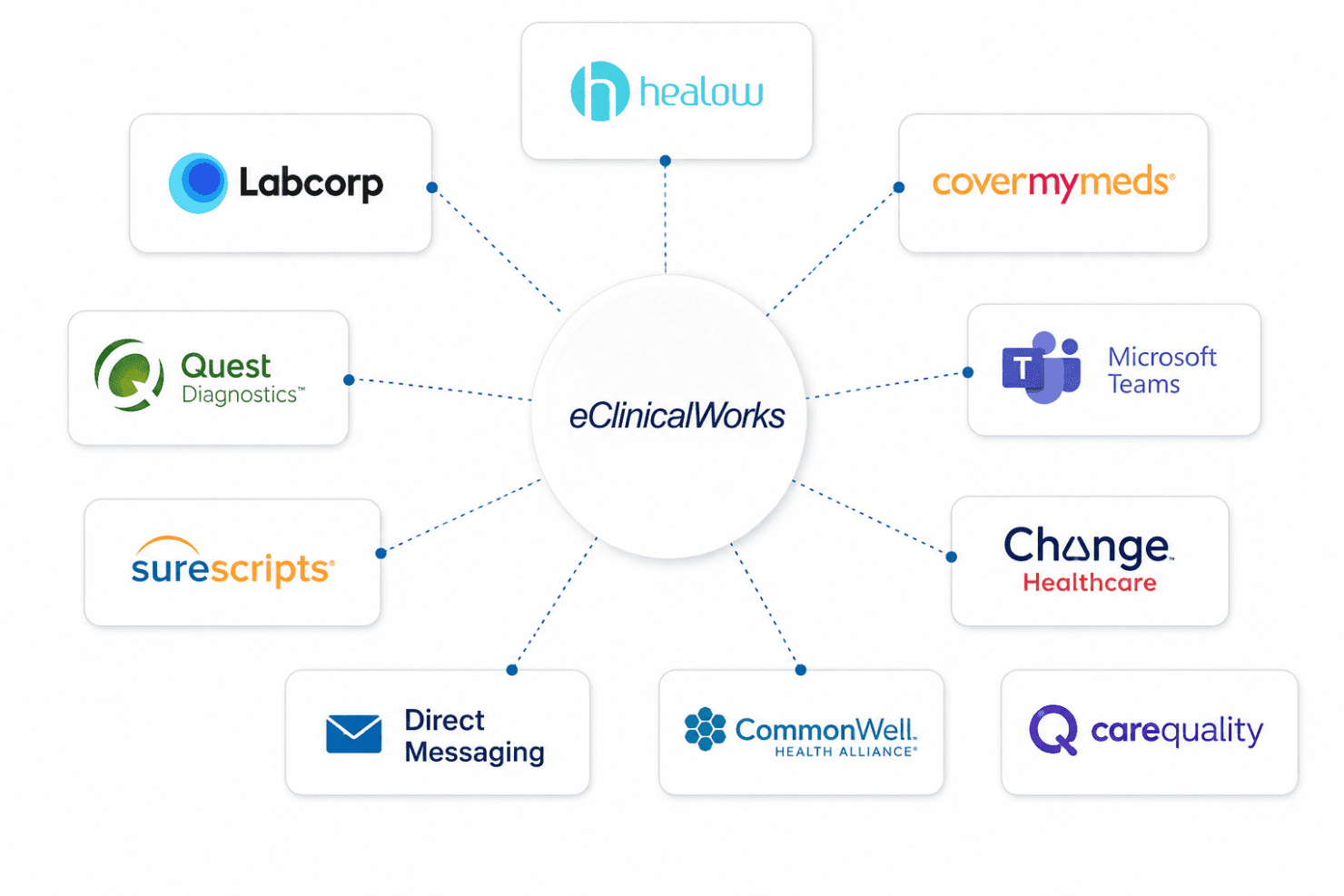
eClinicalWorks integrates with Healow, LabCorp, Quest Diagnostics, SureScripts, Direct Messaging, CommonWell Health Alliance, Carequality, CoverMyMeds, Microsoft Teams, and Change Healthcare, among others.
It also offers a robust API for custom integrations and supports connections with third-party integration tools.
eClinicalWorks Specs
- API: Yes
- Appointment Scheduling: Yes
- Athlete Management: No
- Audit Management: No
- Calendar Management: No
- Compliance Tracking: No
- Customer Management: Yes
- Dashboard: No
- Data Export: Yes
- Data Import: Yes
- Data Visualization: No
- Electronic Prescribing: Yes
- External Integrations: Yes
- File Sharing: No
- File Transfer: No
- Health Management: No
- HIPAA Compliance: Yes
- Inventory Tracking: No
- Multi-User: No
- Notifications: Yes
- Organization Management: No
- Patient Management: Yes
- Project Management: No
- Regulatory Alerts: No
- Risk Assessment: No
- Scheduling: No
- Supplier Management: No


