


Tebra vs. Practice Fusion: Reviews 2026
I’ll look beyond feature lists to show how Tebra and Practice Fusion fit different workflows, so you can choose the EHR that works for your practice.

We review tools independently, and commissions help fund our testing. See our transparency policy, our methodology, or suggest a tool.
Tebra
3.9/5
- 14-day free trial; Free demo available
- Pricing upon request
Practice Fusion
3.7/5
- Free demo available
- From $199/user/month
Why Trust Our Software Recommendations
6,700+
Reviews
20
Industry experts
16+
Evaluation factors
14
Years
Our team has been testing and reviewing software since 2012. As medical practice leaders ourselves, we know how difficult—and important—it is to choose the right software.
For this guide, we evaluated tools using hands-on testing and independent research, scoring tools using our selection criteria.
Our reviews reflect our human editorial judgment, not a sales pitch.
| Tebra | Practice Fusion | |
|---|---|---|
| Free Trial | 14-day free trial; Free demo available | Free demo available |
| Pricing | Pricing upon request | From $199/user/month |
Tebra vs. Practice Fusion Pricing & Hidden Costs
Tebra prices its subscriptions by provider, with quotes shaped by the modules, practice size, specialty, and claim volume; optional EPCS setup and PDMP access can add fees. Practice Fusion charges per provider on a monthly subscription with an annual commitment, includes a set number of signing staff licenses, and excludes taxes. Ask both vendors whether your required integrations, data migration, or other services carry separate charges.
Before choosing, map the features and staff access your practice needs, then request a written quote for that exact configuration. Confirm how claim volume affects Tebra’s tier, what Practice Fusion charges for additional signing staff, and whether either vendor bills separately for implementation, interfaces, or other services. Compare the full contract term and renewal terms, not just the starting subscription.
Both platforms support clinical charting, e-prescribing, appointment scheduling, and lab workflows. Tebra also ties those tasks to billing, while Practice Fusion offers billing services alongside its EHR.
Tebra’s differentiators include AI Note Assist for visit documentation and an AI Voice Assistant for calls and appointment requests. Practice Fusion offers more than 130 primary care templates, plus tools such as vaccine inventory management and automated growth charts.
| Tebra | Practice Fusion | |
|---|---|---|
| API | Yes | Yes |
| Appointment Scheduling | Yes | Yes |
| Audit Management | No | No |
| Compliance Tracking | Yes | No |
| Customer Management | No | Yes |
| Data Export | Yes | Yes |
| Data Import | Yes | Yes |
| Electronic Prescribing | Yes | Yes |
| External Integrations | Yes | Yes |
| HIPAA Compliance | Yes | Yes |
| Multi-User | Yes | Yes |
| Notifications | Yes | Yes |
| Patient Management | Yes | Yes |
| Regulatory Alerts | No | No |
| Risk Assessment | No | No |
| Integration | Tebra | Practice Fusion |
|---|---|---|
| IntegrationFullscript | Tebra✅ | Practice Fusion❌ |
| IntegrationDrFirst | Tebra✅ | Practice Fusion❌ |
| IntegrationTriZetto | Tebra✅ | Practice Fusion❌ |
| IntegrationJopari | Tebra✅ | Practice Fusion❌ |
| IntegrationLabcorp | Tebra❌ | Practice Fusion✅ |
| IntegrationQuest Diagnostics | Tebra❌ | Practice Fusion✅ |
| IntegrationRadNet | Tebra❌ | Practice Fusion✅ |
| IntegrationAdvancedMD | Tebra❌ | Practice Fusion✅ |
| IntegrationAPI | Tebra✅ | Practice Fusion✅ |
| IntegrationZapier | Tebra❌ | Practice Fusion❌ |
Tebra lists Fullscript, DrFirst, TriZetto, and Jopari; Practice Fusion lists lab and billing partners such as Labcorp, Quest Diagnostics, and AdvancedMD. Both offer APIs, not Zapier; users praise Practice Fusion’s lab workflows, while Tebra feedback notes API value and eLab issues, so verify your required links.
| Factor | Tebra | Practice Fusion |
|---|---|---|
| FactorCompliance | TebraTebra offers a business associate agreement and reports HITRUST CSF certification and independent audits of security, availability, and confidentiality controls. | Practice FusionPractice Fusion says it meets HIPAA requirements, monitors state and federal regulations, and undergoes regular third-party audits. |
| FactorEncryption | TebraTebra says website sign-ins use TLS and service communications use public-key encryption, with low-strength ciphers blocked in production. | Practice FusionPractice Fusion says data transfers use SSL/TLS encryption and describes encryption as part of its EHR security measures. |
| FactorAccess Controls | TebraTebra requires unique usernames, supports customer-defined roles and permissions, and can lock accounts after failed sign-ins or inactivity; it recommends two-factor authentication. | Practice FusionPractice Fusion uses defined user access levels and provides a live activity feed so practices can review actions taken in the EHR. |
| FactorReliability | TebraTebra describes 24/7 intrusion detection and prevention, endpoint protection for critical servers, and hosting with SOC 2 Type 2-certified providers. | Practice FusionPractice Fusion says its data centers use backups and redundant power, and its SaaS infrastructure supports continuous account uptime. |
I’d give Tebra the edge on documented security assurance, while Practice Fusion clearly describes practical encryption, access controls, and backup protections. My take is that Tebra’s named HITRUST certification and independent audits are a strength, while Practice Fusion’s activity feed and access levels support day-to-day oversight; user feedback points more to Tebra downtime and lag and to Practice Fusion login friction than to verified security failures.
| Factor | Tebra | Practice Fusion |
|---|---|---|
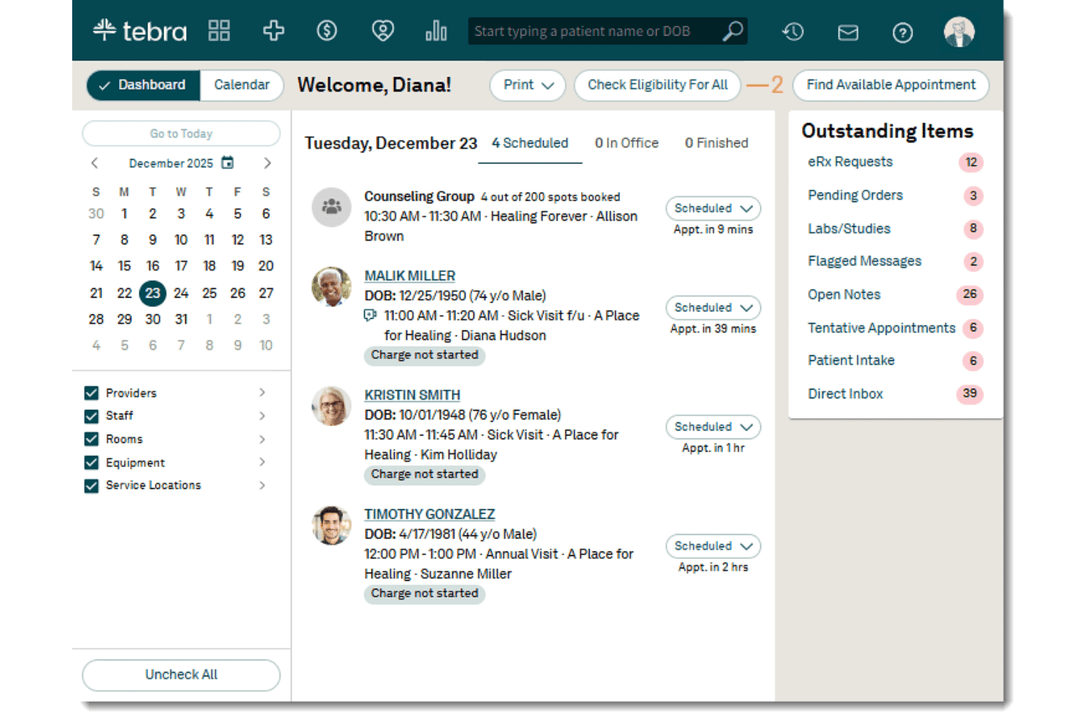
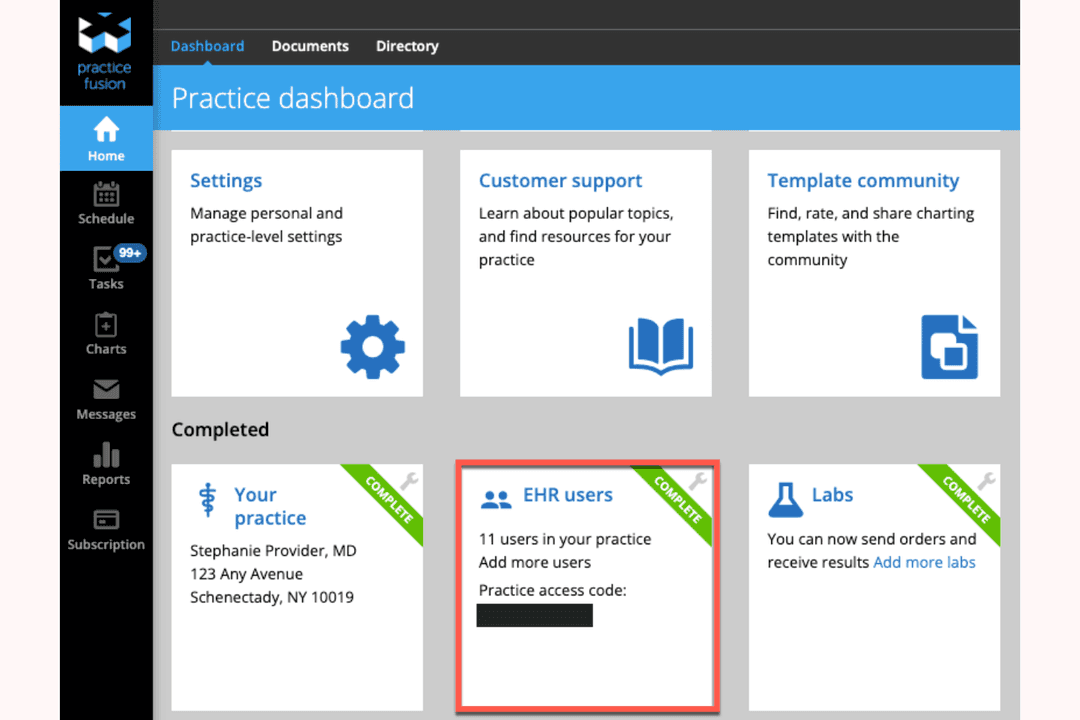
| FactorInterface | TebraUsers often find scheduling, patient records, and routine workflows intuitive, though some describe the interface as dated and report occasional glitches. | Practice FusionUsers praise the clear navigation between schedules and charts, though some report cluttered screens and awkward workflows. |
| FactorCharting | TebraClinical templates support documentation, but some users find templates difficult to customize and note a learning curve. | Practice FusionUsers value customizable SOAP templates, but some find note entry slow or clunky, especially for specialty workflows. |
| FactorLearning | TebraUsers praise onboarding and Tebra University training, while noting that templates and billing take time to learn. | Practice FusionUsers say the system is easy to teach and learn, particularly for basic scheduling and charting in smaller practices. |
| FactorSupport | TebraSome users praise responsive support, while others report unresolved issues or difficulty getting help with account access. | Practice FusionUsers report mixed support experiences, including slow responses and difficulty reaching a live person. |
Tebra has the edge for practices that want an intuitive all-in-one workflow, while Practice Fusion can feel simpler for basic scheduling and charting.
In my view, Tebra’s onboarding and connected practice workflows help new users get oriented, while Practice Fusion’s straightforward navigation makes everyday tasks approachable.
Tebra
- Patient self-scheduling tools help reduce missed appointments.
- Automated billing workflows handle claims and denials efficiently.
- Telehealth features work directly from the main dashboard.
- Detailed custom reporting options are limited for advanced users.
- Occasional system lags during high-volume usage windows.
- Batch payment posting lacks some advanced filtering options.
Practice Fusion
- Patient portal supports online check-in and engagement.
- Transparent pricing with no hidden fees.
- E-prescribing connects with most US pharmacies.
- Occasional downtime disrupts access during peak hours.
- Customer support is only available by email or ticket.
- Reporting tools lack advanced customization.
Tebra
- Independent ClinicsTebra simplifies billing and appointment management for clinics with smaller administrative teams.
- Multi-Specialty GroupsCentralized dashboards and flexible scheduling work well for practices with multiple types of providers sharing resources.
- Behavioral HealthTebra’s video visit features and digital intake forms are ideal for mental health professionals delivering remote care.
- Billing DepartmentsAutomated claims and eligibility verification help billing staff process insurance tasks faster without manual back-and-forth.
- Office ManagersAppointment reminders and patient portals cut down phone time and help streamline front-desk tasks.
- New PracticesGuided onboarding and accessible support help new offices set up quickly with minimal hassle.
Practice Fusion
- Small Specialty PracticesBasic specialty templates and e-prescribing cover common outpatient needs.
- Community Health CentersCloud access and patient portal features support outreach and engagement.
- Urgent Care CentersFast charting and e-prescribing help manage high patient volumes efficiently.
- Solo ProvidersLow overhead and simple setup make it ideal for independent practitioners.
- Behavioral Health PracticesThe platform supports mental health workflows and secure patient messaging.
- Primary Care ClinicsPractice Fusion’s templates and charting tools are tailored for routine visits and chronic care management.
Who Should Use Tebra and Practice Fusion?
Choose Tebra if your practice wants clinical workflows connected to billing, with AI tools for visit notes and patient calls. Practice Fusion fits smaller practices, especially primary care teams that value ready-made templates, straightforward scheduling and charting, and lab workflows. I’d compare written quotes and required add-on costs before deciding, since the best fit depends on your practice’s workflow and budget.
| Tebra | Practice Fusion | |
|---|---|---|
| Automation | Tebra Tebra offers AI tools for clinical notes, claim review, and patient calls. | Practice Fusion Practice Fusion focuses on customizable charting templates and reporting dashboards, including MIPS and eCQM measures. |
| Billing Approach | Tebra Tebra offers billing tools alongside its connected clinical and administrative workflows. | Practice Fusion Practice Fusion offers billing services as an option and supports connections with AdvancedMD, CollaborateMD, and NueMD. |
| Core Workflows | Tebra Tebra connects charting, scheduling, billing, and patient engagement tools. | Practice Fusion Practice Fusion pairs cloud-based charting with scheduling, e-prescribing, and patient engagement. |
| Pricing Model | Tebra Tebra uses custom quotes based on provider count, modules, specialty, and claim volume. | Practice Fusion Practice Fusion charges per provider with an annual commitment; billing services are optional. |
| User Interface | Tebra Tebra brings several practice tools together, though some users report occasional glitches. | Practice Fusion Practice Fusion’s interface is often described as intuitive, with cloud access to charts and practice tools. |
| Charting | Both support electronic charting. Tebra adds AI-assisted note tools, while Practice Fusion offers customizable charting templates. |
|---|---|
| E-Prescribing | Both support electronic prescribing through Surescripts. Tebra includes it in its connected practice toolkit, while Practice Fusion pairs it with cloud-based charting. |
| Lab Connections | Both connect with Quest Diagnostics and Labcorp. These shared integrations support lab workflows, while each platform also offers other connections that practices can verify against their needs. |
| Patient Engagement | Both include patient engagement tools. Tebra adds tools for patient calls and review management, while Practice Fusion includes patient engagement alongside its charting and scheduling features. |
| Security Controls | Both describe safeguards for patient data and access. Tebra specifies role-based permissions, two-factor authentication, and audit trails; Practice Fusion describes user access levels, an activity feed, and SSL/TLS encryption. |