

CareCloud Review: Pros, Cons, Features and Pricing Explained
I break down how CareCloud’s EHR stands out for practices seeking intuitive design and flexible add-ons—discover if its features really streamline workflows in 2026.

We review tools independently, and commissions help fund our testing. See our transparency policy, our methodology, or suggest a tool.
CareCloud is a free EHR software for independent and small-to-midsize practices that need clinical documentation, scheduling, and practice management without paying for a software license. I'd suggest it over paid-only options like Kareo if you want a no-cost plan that still includes telehealth and a patient portal—features most competitors reserve for higher subscription tiers.
CareCloud Evaluation Summary
3.6/5
- Pricing upon request
- Free demo available
Why Trust Our Software Recommendations
6,700+
Reviews
20
Industry experts
16+
Evaluation factors
14
Years
Our team has been testing and reviewing software since 2012. As medical practice leaders ourselves, we know how difficult—and important—it is to choose the right software.
For this guide, we evaluated tools using hands-on testing and independent research, scoring tools using our selection criteria.
Our reviews reflect our human editorial judgment, not a sales pitch.
CareCloud Overview
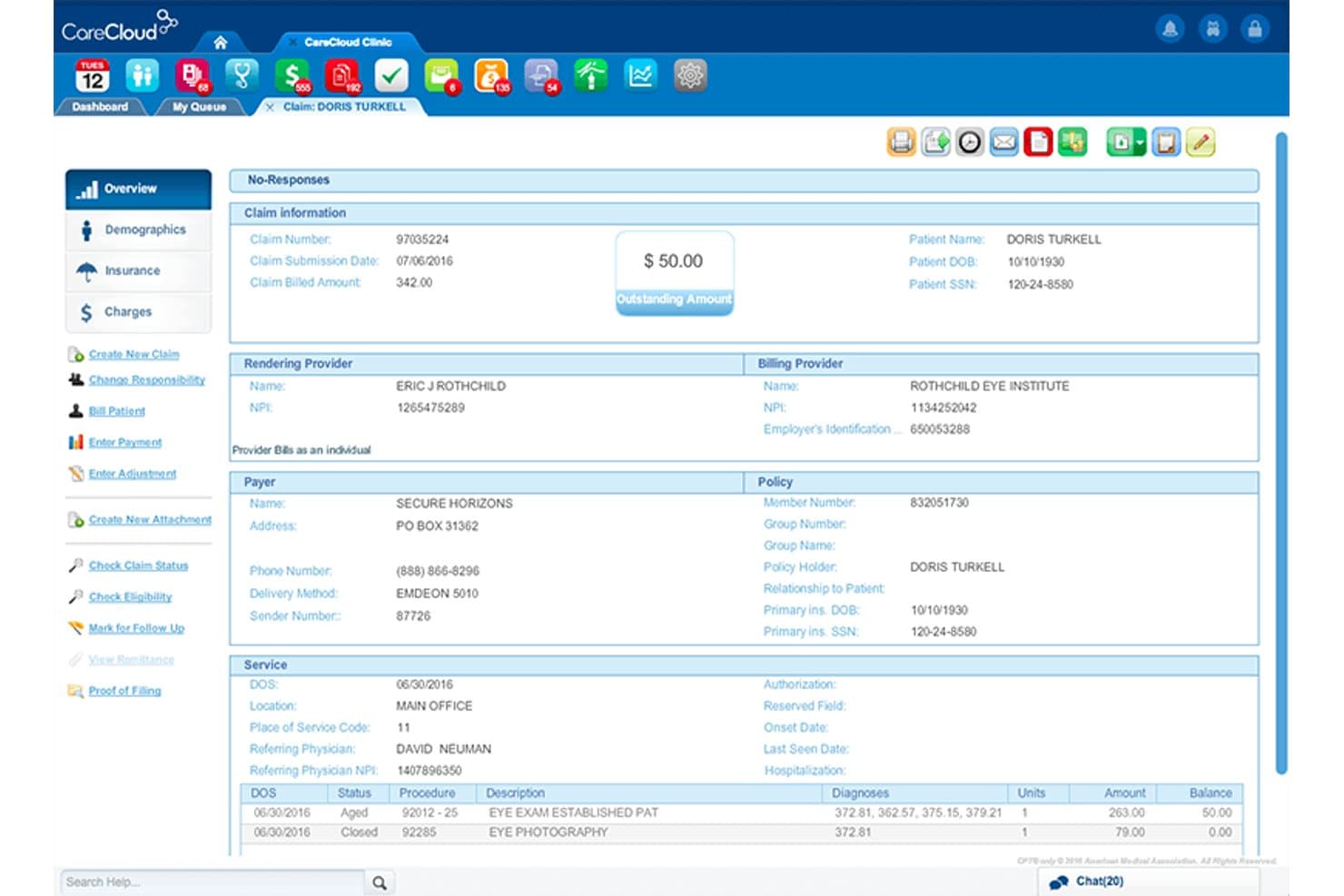
When I judge CareCloud, I see a platform that offers slick scheduling, customizable charting, and strong support—features that make it easy for teams to get up and running. The interface feels modern and uncluttered, which sets it apart from clunkier options. Its pricing is competitive, but smaller practices might find some add-ons add up. If you’re choosing an EHR for a multi-specialty group or a fast-growing office that needs flexibility and easy integrations, CareCloud is going to be a smart pick. I think it’s especially well-suited for those wanting a balance of usability and customization.
Pros
- Offers specialty-specific templates for multiple medical fields
- Provides real-time dashboards for practice performance tracking
- Includes a patient portal with online payment options
Cons
- Occasional system slowdowns during peak hours
- Reporting customization requires more technical knowledge than expected
- Some advanced features require additional monthly fees
Is CareCloud Right For Your Needs?
Who Would be a Good Fit for CareCloud?
CareCloud is a strong choice for growing medical groups and practices that want an integrated, cloud-based EHR with customizable workflows and excellent billing tools. Multispecialty clinics, outpatient centers, and organizations focused on patient experience should find its patient engagement tools and reporting a good match. I think practices needing robust integration options and detailed analytics will benefit most from what CareCloud provides.
- Multispecialty ClinicsCareCloud handles scheduling, clinical documentation, and billing for diverse specialties in one unified platform.
- Midsize PracticesMid-sized groups benefit from CareCloud’s flexible pricing, scalable modules, and streamlined onboarding support.
- Outpatient CentersOutpatient clinics use CareCloud’s detailed scheduling, patient intake, and modern patient portal tools.
- AdministratorsPractice administrators gain efficiency from CareCloud’s analytics dashboards, integrated billing, and custom workflow design.
- Revenue Cycle TeamsRevenue cycle managers get real-time billing, claims management, and payer connectivity for cleaner, faster reimbursements.
- Telehealth ProvidersTelehealth practices can use CareCloud’s native telemedicine module and flexible integrations for virtual visits and follow-up.
Who Would be a Bad Fit for CareCloud?
CareCloud isn’t ideal for solo practitioners who want bare-minimum EHR functions at the lowest price. High-volume hospital systems, organizations outside the US, and specialty clinics with highly complex custom needs may want to look elsewhere. If your team uses mostly third-party tools or non-medical workflows, CareCloud’s healthcare focus could feel limiting.
- Solo PractitionersSingle-provider clinics may find CareCloud’s breadth and pricing unnecessary for basic charting and scheduling.
- Large HospitalsHospital systems might need deeper inpatient features and enterprise-level integrations not offered by CareCloud.
- Non-U.S. EntitiesCareCloud’s design and compliance features center on U.S. healthcare, which can limit applicability internationally.
- Highly Specialized ClinicsSubspecialties needing hyper-specific charting or device integration could outgrow CareCloud’s customization options.
- Behavioral Health OnlyBehavioral health teams wanting niche documentation and tools may not find CareCloud’s templates granular enough.
- Non-Clinical TeamsNon-clinical organizations or those outside healthcare won’t get value from CareCloud’s medically focused workflows.
How We Test & Score Tools
We’ve spent years building, refining, and improving our software testing and scoring system. The rubric is designed to capture the nuances of software selection and what makes a tool effective, focusing on critical aspects of the decision-making process.
Below, you can see exactly how our testing and scoring works across seven criteria. It allows us to provide an unbiased evaluation of the software based on core functionality, standout features, ease of use, onboarding, customer support, integrations, customer reviews, and value for money.
Core Functionality (25% of final scoring)
The starting point of our evaluation is always the core functionality of the tool. Does it have the basic features and functions that a user would expect to see? Are any of those core features locked to higher-tiered pricing plans? At its core, we expect a tool to stand up against the baseline capabilities of its competitors.
Standout Features (25% of final scoring)
Next, we evaluate uncommon standout features that go above and beyond the core functionality typically found in tools of its kind. A high score reflects specialized or unique features that make the product faster, more efficient, or offer additional value to the user.
We also evaluate how easy it is to integrate with other tools typically found in the tech stack to expand the functionality and utility of the software. Tools offering plentiful native integrations, 3rd party connections, and API access to build custom integrations score best.
Ease of Use (10% of final scoring)
We consider how quick and easy it is to execute the tasks defined in the core functionality using the tool. High scoring software is well designed, intuitive to use, offers mobile apps, provides templates, and makes relatively complex tasks seem simple.
Onboarding (10% of final scoring)
We know how important rapid team adoption is for a new platform, so we evaluate how easy it is to learn and use a tool with minimal training. We evaluate how quickly a team member can get set up and start using the tool with no experience. High scoring solutions indicate little or no support is required.
Customer Support (10% of final scoring)
We review how quick and easy it is to get unstuck and find help by phone, live chat, or knowledge base. Tools and companies that provide real-time support score best, while chatbots score worst.
Customer Reviews (10% of final scoring)
Beyond our own testing and evaluation, we consider the net promoter score from current and past customers. We review their likelihood, given the option, to choose the tool again for the core functionality. A high scoring software reflects a high net promoter score from current or past customers.
Value for Money (10% of final scoring)
Lastly, in consideration of all the other criteria, we review the average price of entry level plans against the core features and consider the value of the other evaluation criteria. Software that delivers more, for less, will score higher.
Core Features
Clinical Charting
Create, edit, and manage patient charts with specialty-specific templates. Physicians can document encounters quickly using intuitive workflows.
Patient Portal
Give patients secure access to health records, messages, and billing. The portal allows online scheduling and payment for added convenience.
Practice Analytics
See real-time dashboards showing revenue cycle, productivity, and trends. Practices get actionable data to improve clinical and financial outcomes.
Electronic Prescribing
Send prescriptions digitally to pharmacies with drug interaction checks. Providers save time and support safety by reducing manual errors.
Appointment Scheduling
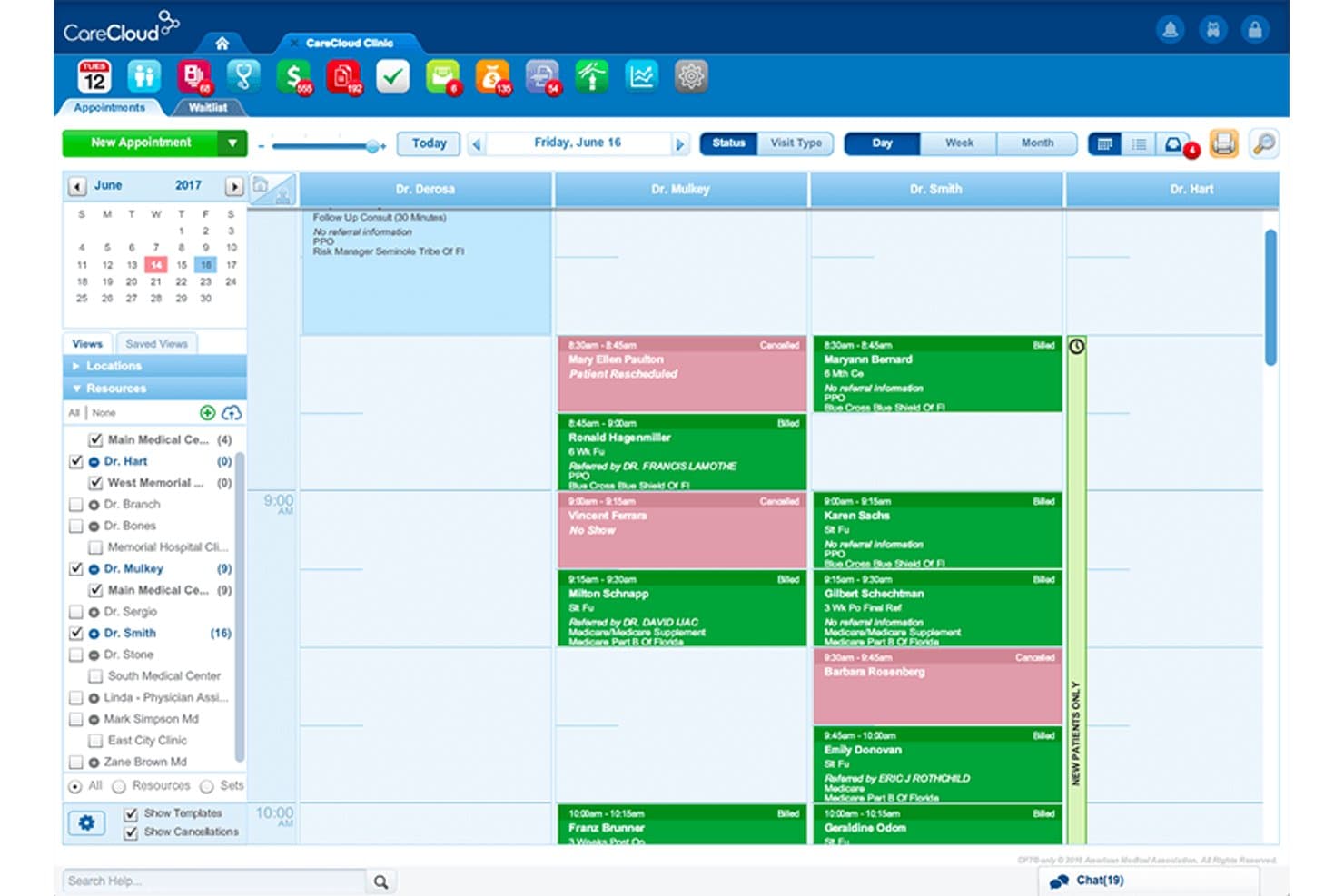
Manage complex, multi-provider, and location-based appointments in one view. Staff can confirm, reschedule, or fill cancellations faster.
Revenue Cycle Management
Automate charge capture, claim submission, and denials tracking from one platform. Medical practices can reduce billing errors and boost collections.
Ease of Use
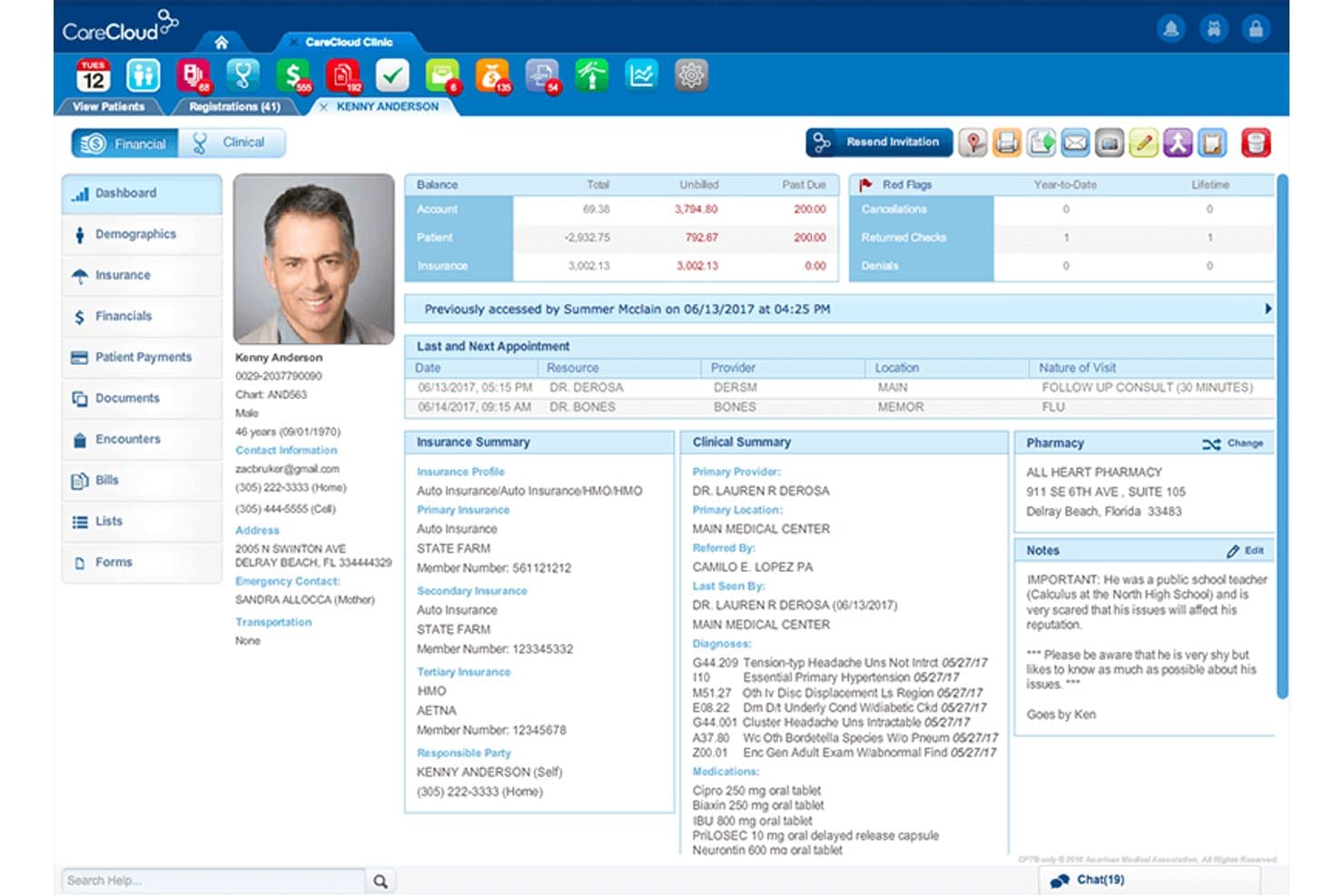
CareCloud stands out for its modern, intuitive layout and role-driven dashboards, making navigation easy for staff and providers. I think the quick-access menus, specialty templates, and integrated patient communications help users accomplish daily tasks faster. Many reviewers highlight how onboarding is smooth and providers adapt quickly, which isn’t always the case in this space. Its consistent design and guided workflows reduce disruption, so new team members catch on with minimal training.
Integrations
CareCloud integrates with Zocdoc, Chiron Health, RevSpring, QueueDr, Holly by Nimblr, FOX Rehabilitation, IntrinsiQ Specialty Solutions, Rosch Visionary Systems, NextPatient, and UroChartEHR, among others.
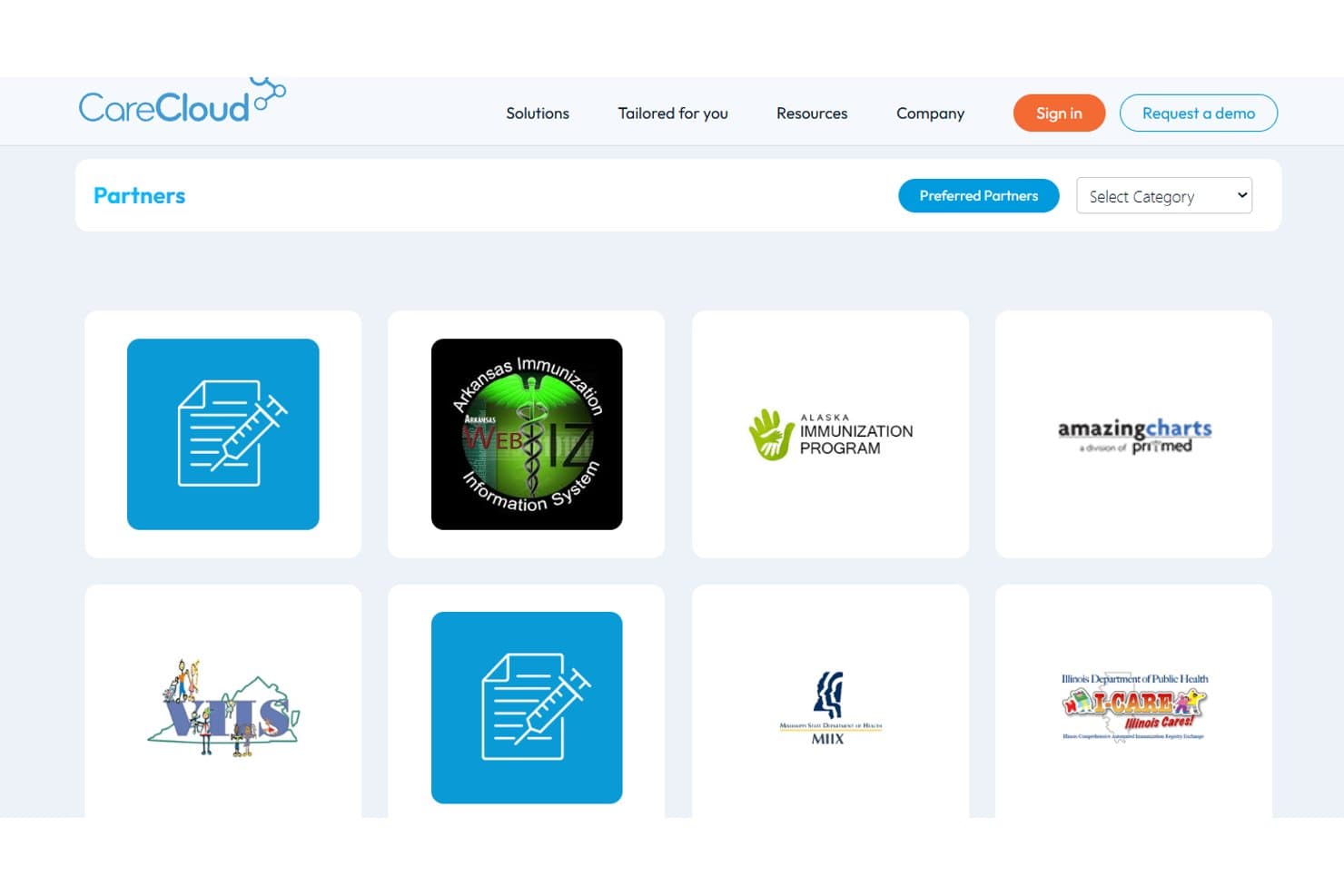
CareCloud also offers robust interoperability via its Connector, supporting lab and immunization interfaces, EHR data exchange, and FHIR-based connections. An API is available for custom integrations and third-party tools.
CareCloud Specs
- API: Yes
- Appointment Scheduling: No
- Athlete Management: No
- Audit Management: No
- Calendar Management: Yes
- Compliance Tracking: No
- Customer Management: Yes
- Dashboard: Yes
- Data Export: Yes
- Data Import: Yes
- Data Visualization: Yes
- Electronic Prescribing: No
- External Integrations: Yes
- File Sharing: Yes
- File Transfer: Yes
- Health Management: No
- HIPAA Compliance: No
- Inventory Tracking: No
- Multi-User: Yes
- Notifications: Yes
- Organization Management: No
- Patient Management: No
- Project Management: No
- Regulatory Alerts: No
- Risk Assessment: No
- Scheduling: Yes
- Supplier Management: No


