

Recension av Elation Health: Fördelar, nackdelar, funktioner och priser
Elation Health samlar elektroniska patientjournaler och hantering av kliniska arbetsflöden i en och samma plattform, från journalföring och patientengagemang till verktyg för fakturering, schemaläggning och vårdkoordinering.

We review tools independently, and commissions help fund our testing. See our transparency policy, our methodology, or suggest a tool.
Elation Health is a free ehr software built for independent primary care practices. It's designed around clinical documentation, patient records, and care coordination for small and solo providers. I'd consider it over Practice Fusion if you want more flexibility in how you chart and communicate with patients. Practice Fusion's templated workflows work for high-volume practices, but Elation Health gives you more room to document care the way your practice actually operates.
Elation Health Evaluation Summary
4.4/5
- Pricing upon request
- Free demo available
Why Trust Our Software Recommendations
6,700+
Reviews
20
Industry experts
16+
Evaluation factors
14
Years
Our team has been testing and reviewing software since 2012. As medical practice leaders ourselves, we know how difficult—and important—it is to choose the right software.
For this guide, we evaluated tools using hands-on testing and independent research, scoring tools using our selection criteria.
Our reviews reflect our human editorial judgment, not a sales pitch.
Elation Health Overview
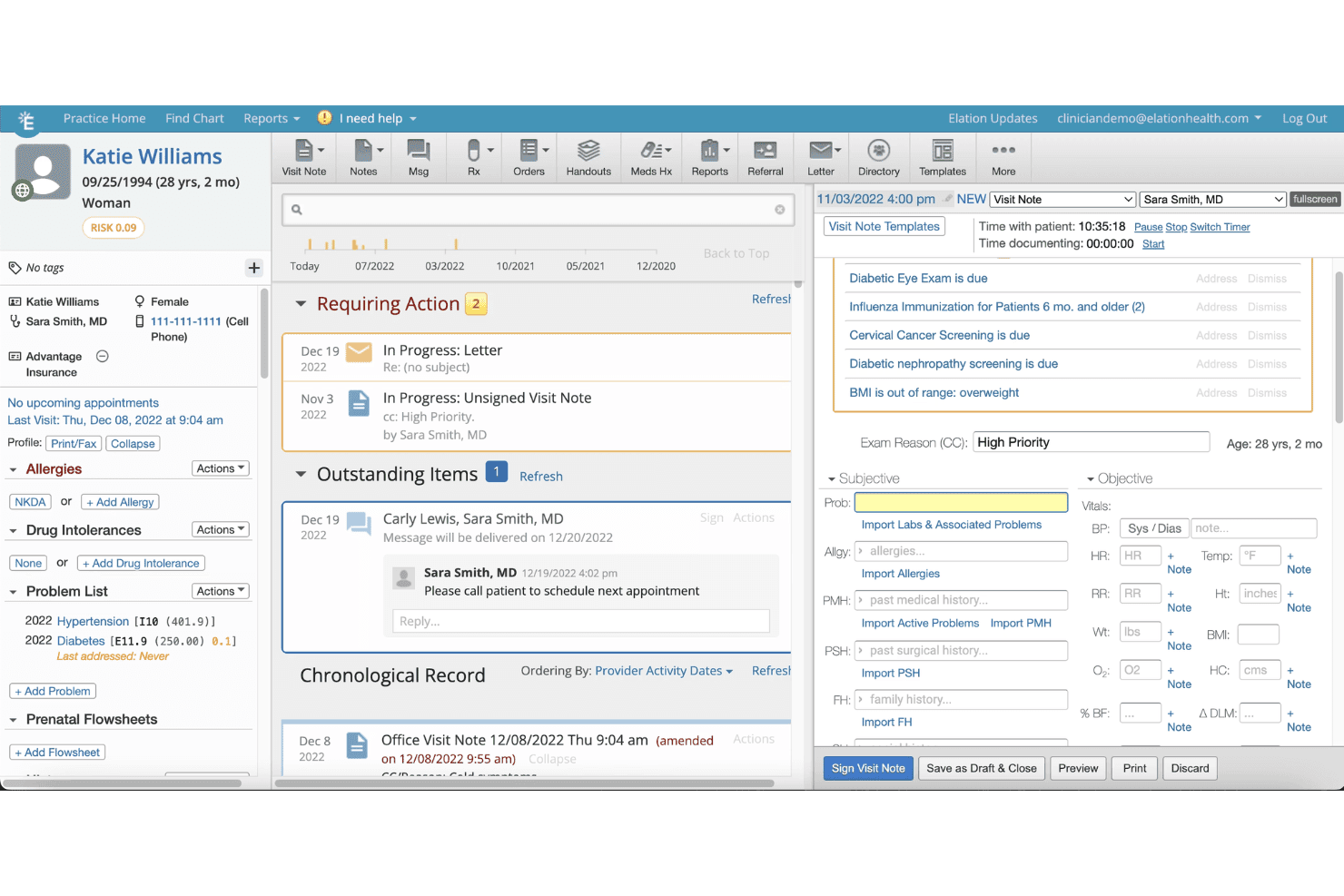
When judging EHR options, Elation Health stands out for its clean interface, thoughtful clinical tools, and responsive support team. Selecting it means quicker onboarding and less training time, which is ideal for small- to midsized practices. Its patient charting and care coordination features outperform many competitors, though its integrations and advanced analytics may feel limited if you need highly customized workflows.
In my opinion, Elation Health is best for primary care teams who want straightforward, fast-to-implement EHR software and who value hands-on support over endless configuration choices.
Pros
- Charting templates support fast, accurate clinical documentation.
- Longitudinal patient records simplify continuity of care.
- Quick response times from customer service team.
Cons
- Reporting features lack detailed customization options.
- Mobile app functionality can feel limited.
- Fewer specialty-specific workflows than some competitors.
Is Elation Health Right For Your Needs?
Who Would be a Good Fit for Elation Health?
Practices deeply focused on primary care, value-based care, and collaborative medicine will find Elation Health’s workflow-centered tools and easy team communication especially useful. Clinicians who want fast documentation, strong patient engagement features, and responsive support are going to get the most benefit.
It’s best for practices that need deep clinical functionality, prefer a hands-on rollout, and value transparent patient communication alongside robust population health management.
- Independent Primary CareIts clinical-first design and intuitive charting are ideal for small primary care practices focused on delivering personal, longitudinal care.
- Direct Primary CareIntegrated membership billing and patient engagement tools make it well-suited for direct care or concierge practice models.
- Multi-Provider ClinicsShared patient records and strong coordination features support collaboration among several physicians or interdisciplinary care teams.
- Population Health DepartmentsDashboards and chronic disease tools help population health departments identify care gaps and meet value-based metrics.
- Outpatient PediatricsIts clear charting templates and patient communication portal help pediatric teams manage ongoing relationships with families.
- Clinician-Owned PracticesPhysician-owners value Elation’s hands-on onboarding, responsive support, and focus on making the clinical workflow as frictionless as possible.
Who Would be a Bad Fit for Elation Health?
Elation Health can fall short for organizations needing advanced specialty workflows, heavy customization, or complex billing integrations. Large organizations with custom enterprise needs, or those outside of outpatient clinical care, may find the platform restrictive. Teams seeking low-cost, highly tailored, or inpatient-focused software will likely find other systems a better fit due to Elation’s pricing and outpatient orientation.
- Inpatient Hospital SystemsElation Health lacks the inpatient management tools needed to support multi-department hospital care.
- Surgical CentersIt doesn’t offer robust surgical scheduling, perioperative tracking, or detailed procedural documentation.
- Behavioral Health GroupsThe platform’s templates and features are less developed for intensive mental and behavioral health workflows.
- Enterprise Health SystemsLarge, multisite health systems needing custom reporting and highly tailored integrations may find Elation Health too limited.
- Specialty SubspecialtiesSubspecialties requiring highly specialized exam templates and nuanced documentation will find workflows feel generic.
- Public Health AgenciesGovernmental or regulatory-focused departments may need deeper data collection, public health reporting, or surveillance capabilities not built into Elation Health.
How We Test & Score Tools
We’ve spent years building, refining, and improving our software testing and scoring system. The rubric is designed to capture the nuances of software selection and what makes a tool effective, focusing on critical aspects of the decision-making process.
Below, you can see exactly how our testing and scoring works across seven criteria. It allows us to provide an unbiased evaluation of the software based on core functionality, standout features, ease of use, onboarding, customer support, integrations, customer reviews, and value for money.
Core Functionality (25% of final scoring)
The starting point of our evaluation is always the core functionality of the tool. Does it have the basic features and functions that a user would expect to see? Are any of those core features locked to higher-tiered pricing plans? At its core, we expect a tool to stand up against the baseline capabilities of its competitors.
Standout Features (25% of final scoring)
Next, we evaluate uncommon standout features that go above and beyond the core functionality typically found in tools of its kind. A high score reflects specialized or unique features that make the product faster, more efficient, or offer additional value to the user.
We also evaluate how easy it is to integrate with other tools typically found in the tech stack to expand the functionality and utility of the software. Tools offering plentiful native integrations, 3rd party connections, and API access to build custom integrations score best.
Ease of Use (10% of final scoring)
We consider how quick and easy it is to execute the tasks defined in the core functionality using the tool. High scoring software is well designed, intuitive to use, offers mobile apps, provides templates, and makes relatively complex tasks seem simple.
Onboarding (10% of final scoring)
We know how important rapid team adoption is for a new platform, so we evaluate how easy it is to learn and use a tool with minimal training. We evaluate how quickly a team member can get set up and start using the tool with no experience. High scoring solutions indicate little or no support is required.
Customer Support (10% of final scoring)
We review how quick and easy it is to get unstuck and find help by phone, live chat, or knowledge base. Tools and companies that provide real-time support score best, while chatbots score worst.
Customer Reviews (10% of final scoring)
Beyond our own testing and evaluation, we consider the net promoter score from current and past customers. We review their likelihood, given the option, to choose the tool again for the core functionality. A high scoring software reflects a high net promoter score from current or past customers.
Value for Money (10% of final scoring)
Lastly, in consideration of all the other criteria, we review the average price of entry level plans against the core features and consider the value of the other evaluation criteria. Software that delivers more, for less, will score higher.
Core Features
Clinical Charting
Physicians create notes quickly with customizable templates and patient timelines. This shortens documentation time and helps keep patient records organized.
E-Prescribing
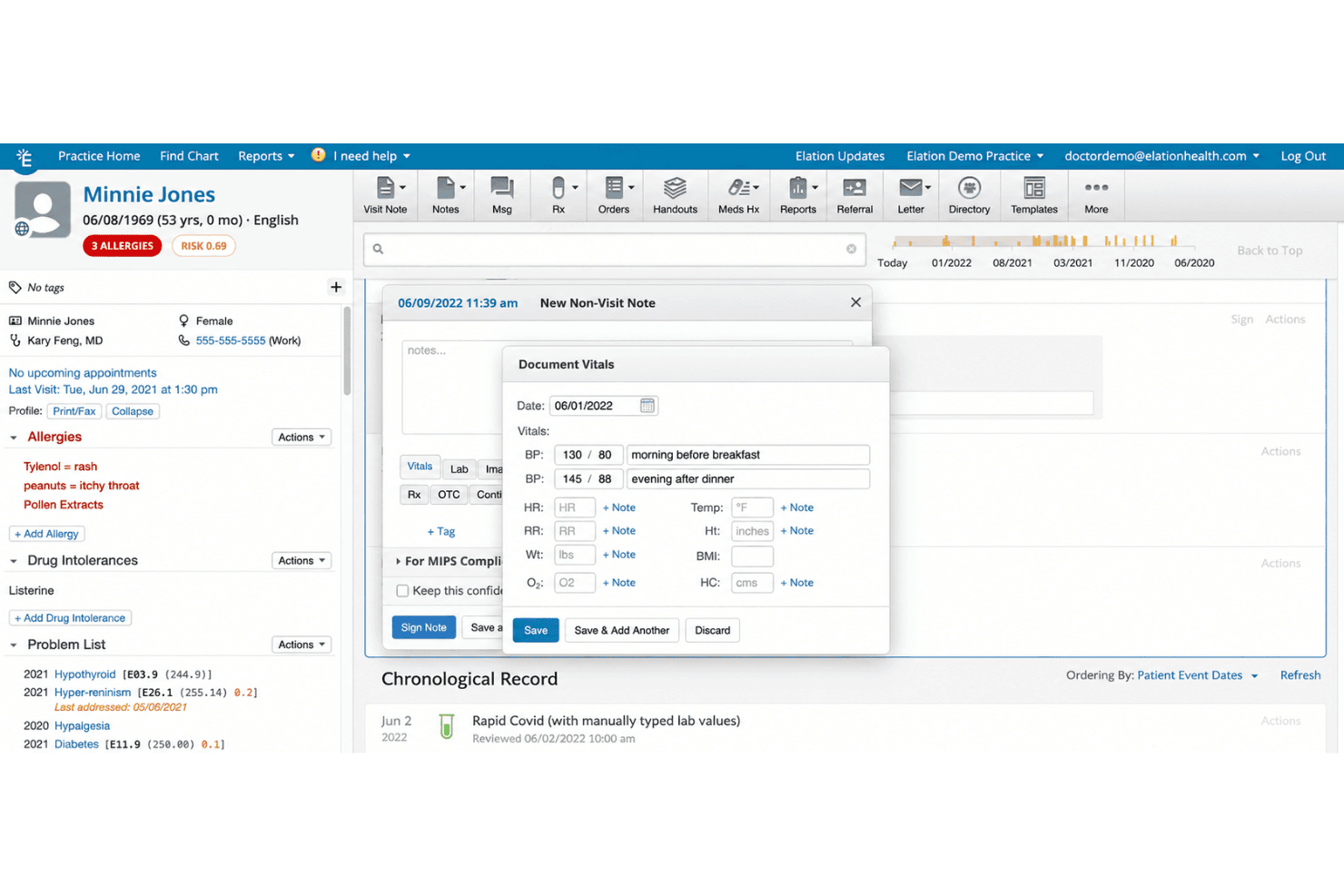
Send prescriptions electronically in seconds, including controlled substances. This streamlines medication workflows and reduces phone calls to pharmacies.
Patient Portal
Patients view their health records, message staff, and request appointments online. This improves communication and reduces administrative workload.
Care Team Collaboration
Share updates and coordinate care in real time with clinical team messaging. This feature boosts clarity between physicians, nurses, and support staff.
Lab and Imaging Ordering
Order labs and imaging digitally, with results automatically attached to patient charts. This means no manual uploads and faster access to results.
Population Health Dashboards
View trending data on chronic conditions and preventive care in your patient panel. Dashboards make it easier to spot gaps and manage value-based care.
Ease of Use
Elation Health feels intuitive, especially for clinicians who value speed and clarity. Its one-click chart access, streamlined order entry, and logical navigation help users avoid unnecessary clicks and cognitive overload.
Users often highlight how quickly they adapt, and I rarely see frustration with finding information or entering data.
Integrations
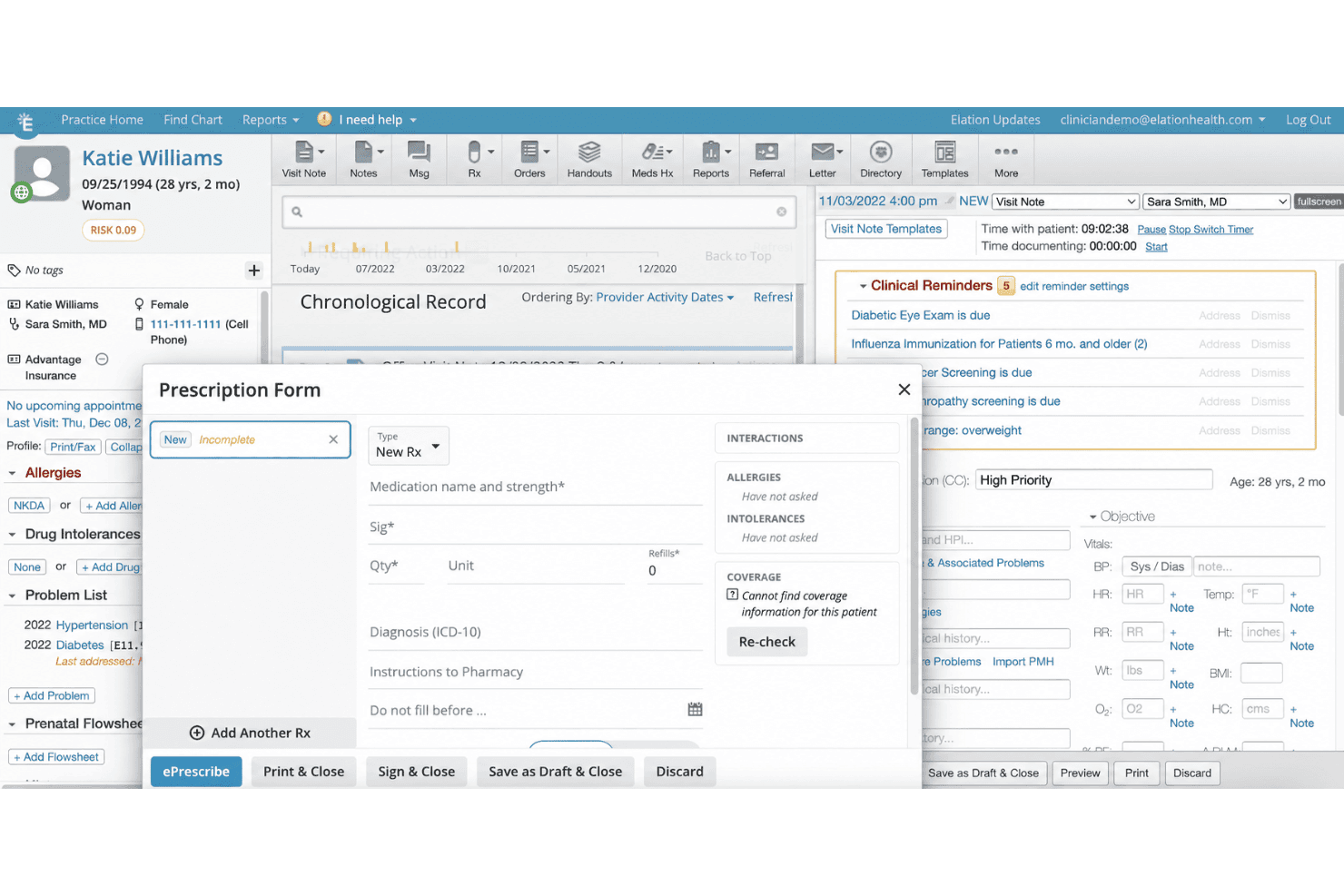
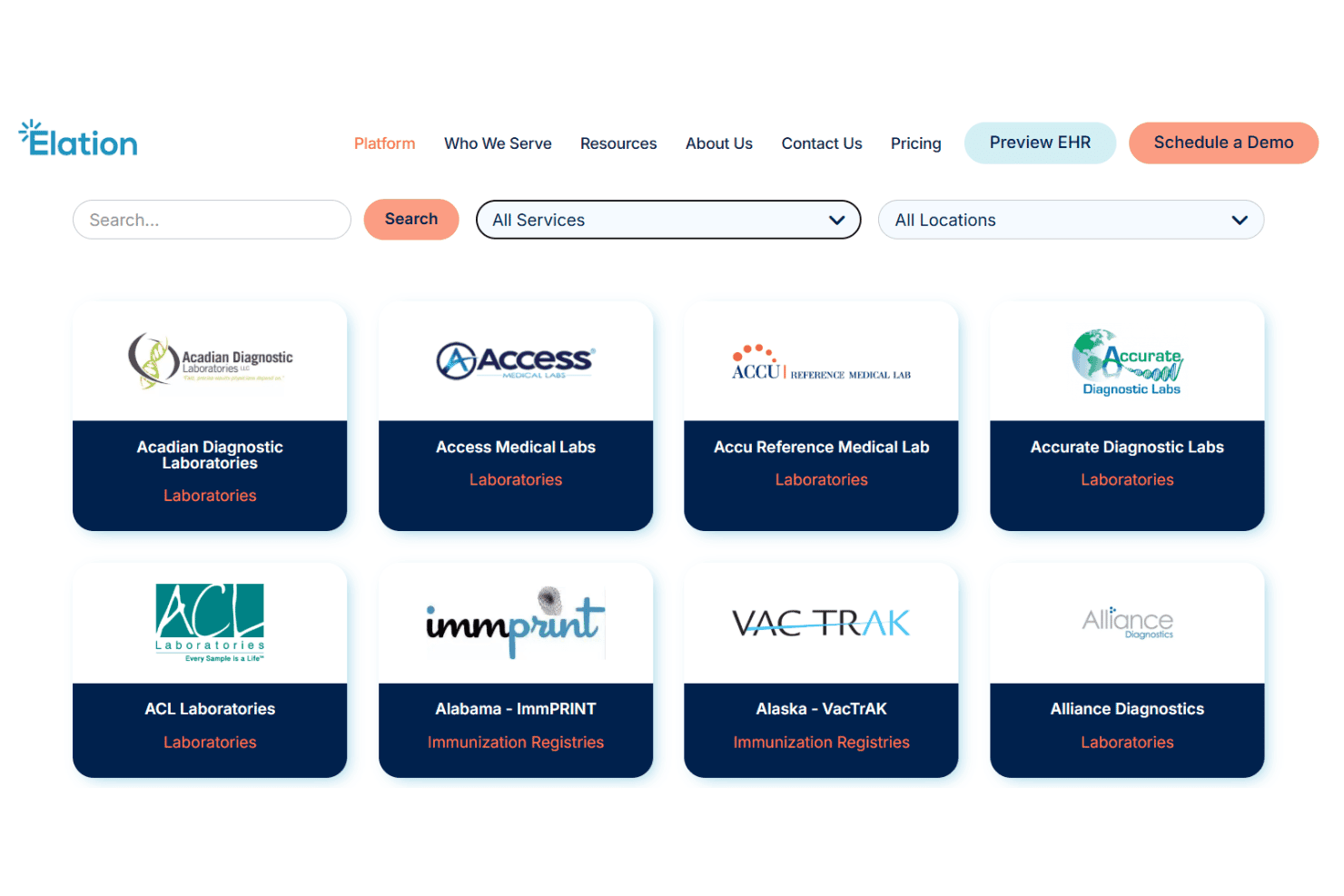
Elation Health integrates with Quest Diagnostics, Labcorp, Surescripts, Hint Health, Ribbon Health, Change Healthcare, Updox, DrChrono, athenahealth, and Health Gorilla, among others.
Elation Health also offers an API and supports connections with select third-party integration tools.
Elation Health Specs
- API: Yes
- Appointment Scheduling: Yes
- Athlete Management: No
- Audit Management: No
- Calendar Management: Yes
- Compliance Tracking: Yes
- Customer Management: Yes
- Dashboard: Yes
- Data Export: Yes
- Data Import: No
- Data Visualization: Yes
- Electronic Prescribing: Yes
- External Integrations: Yes
- File Sharing: Yes
- File Transfer: No
- Health Management: Yes
- HIPAA Compliance: Yes
- Inventory Tracking: No
- Multi-User: Yes
- Notifications: Yes
- Organization Management: Yes
- Patient Management: Yes
- Project Management: No
- Regulatory Alerts: No
- Risk Assessment: No
- Scheduling: Yes
- Supplier Management: No


